How to Spot Deepfake Filters During Video Calls With Online Matches
· 9 min read
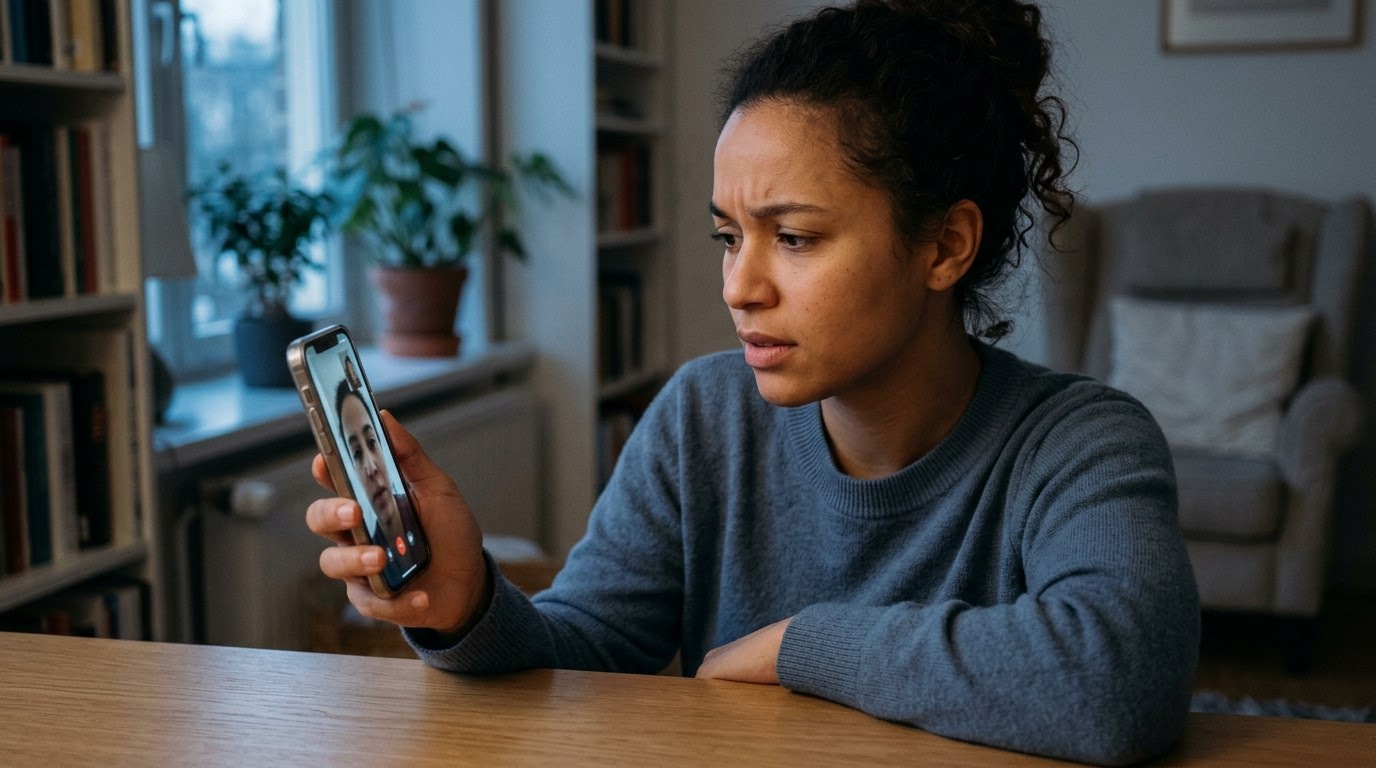
As of November 2026, romance scammers routinely use real-time AI face-swapping software to appear as someone else during live video chats. Knowing how to spot deepfake filters during video calls with online matches protects both your wallet and your emotional well-being, especially since Federal Trade Commission data shows reported romance scam losses topped $1.1 billion in 2023. When a live call feels slightly unnatural, trusting your instincts matters more than giving a stranger the benefit of the doubt. Through TrustMatch, running a TrustCheck takes 60 seconds and ties a name to a real phone, real email, and a real digital footprint.
How does edge blurring around the jawline and hair reveal a face-swap filter?
Edge blurring and faint halos around the jaw, ears, or hairline happen when real-time deepfake software tries to paste a synthetic face onto a moving head. The program struggles to separate stray hairs or collar edges from the background, creating a soft smudge that shifts during motion. For example, Mark noticed a pale, watery blur around his match Elena's curly hair every time she leaned back on her couch, even though the bookshelf behind her stayed crisp and clear.
Real-time face-swapping relies on face-mapping, which is a digital grid that tracks eyes, nose, and mouth movements frame by frame. Because the software renders a new face only inside that oval grid, the boundary where the fake skin meets a real neck often shimmers or lags by a fraction of a second. If you watch closely around the chin and ears rather than staring directly into the person's eyes, those seams become much easier to catch. Ask them to lean forward toward the lens and back again to see if the edges hold steady.
Why do sudden lighting shifts expose synthetic skin textures?
Sudden lighting shifts expose deepfakes because AI-generated faces often carry their own studio-style brightness instead of matching the actual room. You will see skin that looks overly smooth, flat, or evenly lit while the person's shirt, neck, and surroundings sit in shadow. When Priya video-chatted with a match named David, his bedroom wall darkened as clouds passed outside, yet his face kept the exact same warm, airbrushed glow without a single natural shadow moving across his cheek.
In genuine video calls, natural light creates specular highlights—tiny bright reflections on the forehead, nose bridge, and cheeks—that change immediately when a person tilts toward a lamp or window. Deepfake filters generate skin from pre-trained facial images, which frequently erases pores, fine lines, and realistic light bounce. Pay attention to how skin color compares to the neck and hands. If the face looks bright and polished like a magazine photo while the neck looks grainy or shadowy, a filter is almost certainly running over the camera feed.
What happens when someone turns their head sideways during a deepfake call?
Turning sideways causes a deepfake face to warp, flatten, or flicker because most live face-swapping models are trained primarily on straight-on portraits. Once a caller rotates past roughly forty-five degrees, the software loses track of facial landmarks like the far eye or cheekbone. During a brief chat with Camila, Jordan watched her nose briefly flatten and snap into a sharper shape for half a second when she turned left to grab a coffee mug off her desk.
Scammers who use live AI overlays know this limitation well, so they keep their shoulders squared to the webcam and look straight ahead. They rarely glance down to read a text, tilt their head back to laugh, or turn around to show you a pet. Notice whether their posture looks oddly rigid, almost like a news anchor reading a teleprompter. A gentle prompt—such as asking them to show the view out a side window or turn to check something behind them—often triggers obvious distortion or an abrupt excuse to end the call.
Why do hands passing in front of the face cause digital artifacts?
Passing a hand, cup, or phone across the face causes digital artifacts—unexpected visual glitches like pixel blocks or melting edges—because the software cannot decide what belongs in front. The AI tries to paint the fake face onto the fingers or briefly disappears entirely, exposing a flash of the real person underneath. Denise noticed her match Lucas kept his hands out of frame for twenty minutes, and when he finally tugged his collar, his chin vanished into his sleeve.
Think about how people normally act on a live video chat with someone they like. They rub an eye, push hair behind an ear, rest their chin on a fist, or sip from a glass without thinking twice. Deepfake operators avoid all of those habits because occlusion—any solid object blocking the camera's line of sight to the face—breaks the illusion instantly. If your match sits completely still with hands pinned below chest level throughout the entire conversation, treat that stiffness as a major warning sign.
How do audio lag and mismatched lip movements signal voice cloning?
Audio lag and mismatched lip movements happen when a scammer pairs a video filter with real-time voice cloning, which converts their live speech into a different tone or accent. Processing both video and audio simultaneously introduces a slight delay, so spoken words arrive half a beat after the mouth moves or sound oddly flat in emotion. When Tom heard his match Sofia laugh warmly over the speaker, her lips remained pressed together on screen for a noticeable moment afterward.
Modern voice conversion tools can change pitch and cadence within milliseconds, yet they still struggle with breathing sounds, sudden laughter, and overlapping speech. Watch for mouth shapes that fail to match crisp consonants like "p," "b," and "m," where real lips always press shut. FBI data shows reported confidence and romance fraud losses exceeded $650 million in 2023, and synthetic voice tools now help overseas fraud rings impersonate local accents with ease. Try interrupting lightly with a quick joke or question to see whether their voice and facial expression react at the exact same instant.
Why do deepfake callers blame bad Wi-Fi and keep video chats under two minutes?
Scammers frequently blame bad Wi-Fi and keep video calls under two minutes because running real-time AI filters strains computer processors and increases the odds of a visible glitch. Keeping the feed blurry, dark, and brief hides telltale seams while still convincing you that the person is real. Hannah received a ninety-second video call from Marcus in a dimly lit room before he claimed his signal was freezing and quickly switched back to text messaging.
Low-resolution video acts like camouflage for synthetic faces. When a caller deliberately throttles their bandwidth—reducing the amount of data sent over the network—or sits in near-darkness, compressed pixels blur away the subtle borders where a fake face meets a real head. If every attempt to video-chat turns into a brief, choppy clip followed by weeks of texting excuses, pause and reconsider. Legitimate matches who want to meet you might hit an occasional bad connection, yet they reschedule in good lighting rather than treating a ninety-second blur as proof of identity.
How do behavioral prompts expose a filter that visual checks miss?
Spontaneous behavioral prompts expose live filters by forcing the software to process sudden, unpredictable movements it cannot smoothly render. Asking a match to perform a casual physical action—like waving fingers in front of their nose or turning sideways in bright light—often triggers hesitation, excuses, or a sudden disconnect. When Rachel playfully asked Liam to hold three fingers across his cheek, he laughed awkwardly, claimed his screen froze, and hung up within five seconds.
You do not need to run an interrogation to test whether a video feed is genuine. Simple, warm requests work best because real people comply without thinking twice. Ask them to take a sip of water while looking slightly sideways, step closer to a window so you can see the weather, or hold a handwritten note near their chin. Someone using an AI overlay cannot safely complete those motions, so watch closely for irritation, topic changes, or blame shifted onto your "suspicious" attitude.
How does real video behavior compare to deepfake scam patterns?
Comparing everyday habits side by side makes it much easier to separate normal camera quirks from deliberate deception. Real video calls show consistent lighting, natural hand gestures, synced speech, and relaxed reactions to small requests, whereas manipulated feeds rely on rigid posture, dim rooms, and tight time limits. Looking at five specific dimensions together helps you trust clear behavioral patterns instead of second-guessing a single grainy moment.
| Dimension | Safe Behavior | Scam Behavior |
|---|---|---|
| Lighting and skin texture | Skin tones match the neck and change naturally as light shifts in the room. | Face looks airbrushed and evenly lit even when background shadows change. |
| Head angles and posture | Moves freely, looks down to read messages, and turns fully sideways without distortion. | Sits rigidly straight ahead and avoids turning past a narrow front angle. |
| Hand placement | Touches hair, rubs eyes, or holds drinks near the face without visual glitches. | Keeps hands out of frame or freezes briefly if fingers cross the jawline. |
| Audio and lip sync | Mouth movements, breathing, and emotional tone match spoken words instantaneously. | Slight delay between speech and lips, flat cadence, or muffled consonant sounds. |
| Call duration and prompts | Comfortable chatting in bright light and responds casually to spontaneous requests. | Keeps calls under two minutes, blames poor Wi-Fi, and deflects physical prompts. |
What to do if you spot these signs
Spotting one or more deepfake clues means you should pause all emotional and financial momentum right away without starting an argument. Step back from the chat, stop sharing personal details or money, preserve screenshots of their profile and messages, and verify their identity independently. Taking a calm, structured approach protects your finances and prevents scammers from pivoting to a new excuse or guilt trip.
- End the conversation calmly without tipping them off. You do not owe anyone proof of why you are stepping back, and confronting a fraudster rarely leads to an honest confession. Say you have to run, close the call politely, and avoid explaining which glitch caught your eye so they cannot refine their setup for the next target.
- Freeze any financial or personal data sharing immediately. Never send cryptocurrency, gift cards, wire transfers, or sensitive documents like driver's license photos, no matter how urgent their emergency sounds. Once money leaves your account through irreversible payment rails, recovery becomes extremely difficult.
- Run a TrustCheck through TrustMatch before taking another step. Enter the name, phone number, or email address your match provided to see whether their story connects to a consistent, real-world footprint. Checking these basic details takes less than a minute and often reveals disconnected numbers, freshly created email accounts, or mismatched locations right away.
- Save your records and report the profile to authorities. Take screenshots of their dating profile, phone numbers, payment requests, and video stills before they delete the account. Submit a report to the dating app, the Federal Trade Commission at ReportFraud.ftc.gov, and the FBI's Internet Crime Complaint Center so investigators can track recurring fraud networks.
- Protect your own accounts if you already shared sensitive details. Change passwords on any accounts tied to your email, enable two-factor authentication, and review your bank statements for unfamiliar charges. If you shared your Social Security number or financial credentials, check your own credit report and place a free security freeze with the major bureaus right away.
Trusting your gut when a video call feels slightly off is smart self-protection, not paranoia. Modern AI filters are built to manufacture quick intimacy, yet small visual seams, rigid posture, and hurried excuses still give them away when you know where to look. Taking 60 seconds to run a TrustCheck on TrustMatch gives you clear, objective facts about the person behind the screen so you can date on your own terms with confidence.
Frequently asked
Can deepfake filters work during live video calls on dating apps?
Yes, real-time AI face-swapping software can run through virtual webcams on laptops and phones during live video chats. Scammers route the altered feed into standard calling apps so it looks like an ordinary camera. However, live generation still struggles with side profiles, shifting room shadows, and hands crossing the face, which creates subtle glitches you can spot.
What is the quickest test to check if someone is using a video filter?
Ask your match to turn their head sideways toward a window or wave an open hand slowly across their nose and cheek. Genuine callers complete casual movements easily without thinking twice. Live face-swapping tools frequently flicker, blur at the jawline, or lose track of facial landmarks during sudden motion, often prompting a scammer to claim their connection froze.
Why do scammers keep video verification calls so short?
Running live AI video and voice tools heats up devices, drains processing power, and increases the chance of a noticeable glitch. Scammers keep calls under two minutes in dim lighting and blame weak Wi-Fi so you stay focused on the brief thrill of seeing them rather than spotting flat skin textures, audio lag, or blurred hairlines.
Does a blurred background mean someone is using a deepfake?
No, standard background blur is a normal privacy setting built into most video apps and phones. A deepfake filter looks different because the blur hugs the jawline, ears, and stray hairs while the face itself appears overly smooth or strangely lit compared to the neck and room. Look for face distortion during movement rather than a blurred bookshelf.
What should I do if I suspect my online match used a deepfake filter?
Pause communication calmly without arguing about the glitches you noticed, and do not send money, gift cards, cryptocurrency, or personal identification documents. Save screenshots of the profile, phone numbers, and chat history, then report the account to the dating platform and federal authorities. You can also run an independent identity check to verify whether their details are real.
More in Safety
- How to Spot Recovery Scams After Losing Money Online
November 20, 2026
- How to Avoid Venue Extortion Scams on First Dates
November 16, 2026
- How to Spot Fake Event Invitations Sent by Online Dating Matches
November 13, 2026