How to Avoid Fake Payment Proof Scams When Selling Items Online
· 12 min read
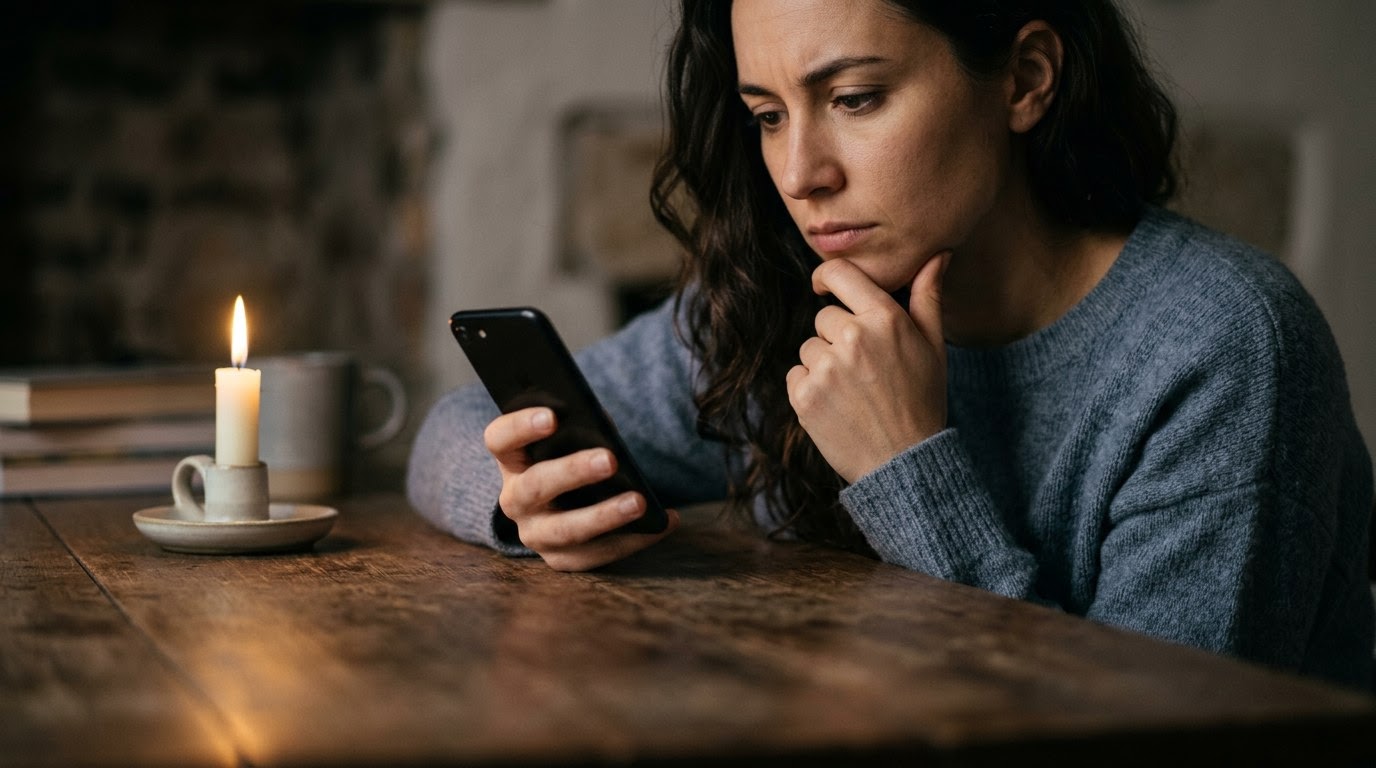
Selling used goods online should be a straightforward way to clear out space and earn extra cash, but fake payment proof scams turn quick sales into frustrating financial losses. When you post an item on Facebook Marketplace, Craigslist, OfferUp, or eBay, fraudulent buyers exploit your natural eagerness to complete a transaction. The financial damage often goes beyond losing the item you listed; if you fall for an overpayment trick, you might send hundreds of dollars of your own real money back to a thief before realizing the initial payment never existed. The emotional toll of being deceived by a polite, eager buyer can make you second-guess every future transaction. As of August 2026, marketplace fraud remains one of the most common cybercrimes impacting everyday consumers. Before sending an item or paying a refund, running a TrustCheck takes 60 seconds and ties a name to a real phone, real email, and a real digital footprint. Understanding how these fake receipts and phantom notifications work is your best defense against losing both your inventory and your hard-earned funds.
The Overpayment Trick and Demands for Excess Refunds
How to avoid fake payment proof scams when selling items online often starts with recognizing overpayment tactics. An overpayment scam occurs when a buyer pretends to send more money than your asking price, claims it was an honest mistake or a shipping fee, and asks you to refund the difference immediately. In reality, no payment was ever processed, and any money you send back comes directly out of your own bank account.
Let's look at how this plays out in a common marketplace scenario. Imagine you list a leather couch for $300 on a local sales app. A prospective buyer responds within minutes, declining to negotiate and agreeing to pay your full asking price right away. Shortly after, they send a text message or email stating, "I accidentally sent you $800 instead of $300 because my assistant mixed up the payment details. Please send the $500 difference back to my mover via Zelle so they can pick up the couch today." They attach a convincing image of a payment confirmation showing $800 sent to your account.
The image is a manipulated graphic created in photo editing software or generated using a fake banking receipt generator online—a digital tool that creates realistic payment confirmations out of thin air. If you check your actual bank or peer-to-peer payment app—such as Venmo, PayPal, or Cash App—you will see that no funds have entered your account. Scammers pressure you to act quickly before you have time to log into your account. If you transfer that $500, you are sending real money to a mule account—an intermediary bank account controlled by cybercriminals to launder stolen funds. When you later confirm that the initial $800 never arrived, the fraudulent buyer vanishes, leaving you out $500 and still holding the couch. According to FTC reports from 2025, online shopping and marketplace fraud caused over $400 million in direct losses to consumers.
Recognizing the pattern is simple: honest buyers do not overpay by accident and then demand immediate transfers to unknown third parties. Whenever a buyer claims they overpaid, stop the transaction immediately. Never send money to resolve a buyer's alleged billing error.
Spoofed Emails and Fake Notification Receipts
Fake payment proof scams frequently rely on spoofed email notifications designed to imitate legitimate financial services like PayPal, Venmo, or major banks. The scammer sends a realistic confirmation email from a lookalike address claiming that payment is held in escrow until you provide a shipping tracking number. Because the email uses official logos and terms, sellers assume the money is safe, but the financial platform itself has no record of the transaction.
Email spoofing—a technique where a sender alters email header details to make a message look like it came from a trusted financial company—is a core tool for marketplace scammers. Suppose you are selling a high-end laptop for $1,200. A buyer offers to pay via PayPal and asks for your email address to send the payment. Within ten minutes, you receive an email with the subject line "Service Notification: You Received a Payment." The message displays standard corporate color schemes, logos, and legal disclaimers. It states that $1,200 has been transferred by the buyer, but the funds are "held in pending status" until you reply with a valid postal tracking receipt.
If you inspect the actual sender domain—the text after the "@" symbol in the sender's address—you might notice it reads `@service-paypal-alerts.com` or `@gmail.com` rather than `@paypal.com`. Payment processors do not hold your money hostage pending a tracking upload for personal peer-to-peer sales, nor do they send payment confirmations from free email accounts. The goal of this tactic is to trick you into packing up your expensive laptop and mailing it to an address provided by the scammer. Once you drop the package off at the post office, the item is gone forever, and no money ever arrives in your account. A 2024 BBB report revealed that fake payment receipts were responsible for nearly 30% of all reported non-payment sales scams.
To keep yourself safe, never rely on an email in your inbox as proof that money has changed hands. Always open your official payment application or log into your online banking portal independently through a trusted bookmark or app to confirm that the money is sitting in your available balance.
Demands to Pay Fees for Upgrading to a Business Account
When learning how to avoid fake payment proof scams when selling items online, you must watch out for the fake business account upgrade trick. In this scheme, the scammer claims their payment failed because your personal account cannot accept payments from their corporate account. You then receive a fake system email stating you must pay an upfront fee—often between $50 and $200—to expand your limit, which the buyer promises to reimburse.
This pattern specifically targets sellers on peer-to-peer apps like Zelle, Cash App, or Venmo. Consider a scenario where you list a set of power tools for $250. A buyer contacts you saying they want to buy the tools for their contracting business and will pay immediately using Zelle. Moments later, you receive an email formatted to look like a notification from Zelle's support team. The email claims: "Transaction Pending: The buyer attempted to send $250, but your account is a personal tier. To accept commercial payments, your account must be upgraded to a Business Tier by depositing an additional $200."
To make the offer seem attractive and risk-free, the buyer sends a follow-up message saying, "Don't worry, I added $200 to my payment, so I sent $450 total. Just send the $200 upgrade fee to our account manager so the system can release the full $450 to you." This entire framework is completely fabricated. Legitimate payment networks never require sellers to pay a cash fee to open or upgrade an account to receive money from another user. If you send that $200 fee, you are transferring cash straight to the scammer's pocket. The payment application will never reimburse you because no automated pending-transfer state exists in their system.
If a buyer tells you that your account needs an upgrade fee to complete a sale, recognise it immediately as a red flag. True peer-to-peer platforms do not hold payments hostage behind upgrade fees paid by the recipient.
Requests for Off-Platform Communication and Verification Codes
Scammers avoid marketplace monitoring systems by insisting on moving the conversation to SMS text messages, WhatsApp, or email. Once off-platform, they often send fake payment proof and request a six-digit verification code sent to your phone, claiming it verifies that you are a real seller. In reality, that six-digit code is an authentication pin allowing the scammer to hijack your phone number or account.
Marketplace platforms use automated filters to detect phrases like "Zelle," "wire transfer," or fake email links. To bypass these safety checks, fraudulent buyers send an immediate initial message like: "I don't check this app often, please text my personal cell at 555-0199." Once you text them, you lose the protection of the marketplace's dispute resolution tools and safety monitoring.
After moving to SMS text messaging, the buyer might say, "I've been burned by fake sellers before. I'm going to send a Google verification code to your phone. Text it back to me so I know you're a real person, and then I'll send the payment screenshot." The moment you share that code, you are not proving your identity to a buyer—you are handing over a multi-factor authentication code—a secure single-use passcode meant to confirm identity—that lets the scammer log into your Google account, voice service, or social media profile. They can then use your compromised account to scam others under your real name. According to a 2024 AARP survey, over 40% of marketplace fraud victims reported that the scammer persuaded them to communicate outside the platform's official chat system.
Protecting yourself requires holding a strict rule: keep all communications inside the marketplace app's built-in chat system. Never share one-time security codes or verification PINs with anyone, no matter how convincing their story sounds.
Refusal to Meet in Person and High-Pressure Courier Pickups
A classic red flag in payment proof scams is a buyer who refuses to meet in person and insists on sending a third-party courier or relative to collect the item. The buyer provides fake payment screenshots or bogus transaction confirmation emails, claiming the money is in transit, while pressuring you to hand over the goods immediately to a delivery driver or shipping agent.
When you sell items locally, the primary advantage is exchanging goods for cash or verified electronic funds in a safe, face-to-face environment. Scammers subvert this advantage by constructing elaborate stories about why they cannot inspect or collect the item themselves. A typical script involves a buyer who claims to be working overseas, stationed on a military base, or recovering from surgery. They assure you, "I'll send my brother" or "I've arranged for a private courier company to pick up the item from your porch."
Before the courier arrives, the buyer sends an altered payment screenshot showing funds transferred to your bank. They then create artificial urgency, messaging you repeatedly that the driver is arriving in twenty minutes and needs the item loaded right away. Because you see a professional-looking receipt on your phone screen, you hand over the item. Hours later, when you check your bank portal and realize no deposit occurred, the buyer's account is deleted and the courier turns out to be an unwitting gig worker or accomplice. Real buyers who pay via digital apps will have no problem waiting until you verify that the funds are actually sitting in your available account balance before taking possession of the item.
Whenever a buyer creates intense time pressure, claims they cannot meet personally, and relies on external receipts, step back. Slowing down the process protects your property from high-pressure tactics.
Comparing Safe vs. Scam Buyer Behaviors
Recognizing how legitimate buyers behave compared to fraudulent actors helps you evaluate online marketplace offers quickly and confidently. While honest buyers focus on item details, fair pricing, and standard payment options, scammers follow predictable patterns centered on artificial speed, off-platform communication, complex payment demands, and high-pressure tactics. The table below outlines five key dimensions that distinguish safe buyer interactions from deceptive payment proof schemes.
| Behavior Dimension | Safe Buyer Pattern | Scam Buyer Pattern |
|---|---|---|
| Response Time & Speed | Asks reasonable questions about item condition; agrees to meet at a mutually convenient time. | Rushes transaction immediately; agrees to full price without asking questions; demands instant pickup. |
| Buyer Demands | Accepts standard payment methods; pays exact agreed-upon amount. | Claims overpayment by mistake; demands refund of excess cash or demands you pay "upgrade fees." |
| Payment Verification | Waits for you to check your app; understands that funds must clear before handing over items. | Sends screenshots or emails as "proof"; insists you trust the receipt rather than checking your bank app. |
| Communication Channel | Keeps messages inside the marketplace platform's official messaging system. | Insists on moving immediately to personal SMS, WhatsApp, or off-platform personal email addresses. |
| Pickup & Delivery | Meets in person at a public location, safe exchange zone, or local police department lobby. | Refuses in-person meetings; sends third-party movers, couriers, or fake shipping agents to collect items. |
Understanding these structural differences ensures you never rely on external claims. Safe buyers respect reasonable boundaries because they want a fair, legitimate exchange. They expect you to verify payment in your own account before handing over goods. Conversely, scam buyers focus entirely on controlling the transaction environment. They push you off the safety of official marketplace apps because those platforms log suspicious links, flag copied scripts, and provide protection mechanisms. By holding firm on safe behavior patterns—insisting on official in-app messages, verifying funds through your own bank portal, and requiring safe in-person handoffs—you insulate yourself against payment proof scams regardless of how authentic a spoofed receipt might look.
What to Do If You Spot These Signs
If you spot suspicious buyer behavior or receive questionable payment screenshots, taking deliberate steps immediately protects your money, accounts, and personal belongings. Stopping communication, verifying details independently, and securing your profiles prevents scammers from exploiting your good nature. Follow this straightforward action plan the moment a marketplace transaction feels unnatural or high-pressure.
- Stop communication and refuse to send funds or items. Do not send money, gift cards, or refunds based on a screenshot or email notification. Break off messaging if the buyer becomes hostile or aggressive.
- Log directly into your financial app or online bank portal. Open your bank or payment app independently on your device—never click links provided in emails or text messages—and check your actual account balance to confirm whether funds have posted.
- Verify the buyer's digital identity using independent checks. Run a TrustCheck to confirm the buyer's name, phone number, and email address align with a verified online footprint before proceeding with high-value transactions.
- Report the user to the marketplace platform. Use the built-in reporting tools on Facebook Marketplace, OfferUp, Craigslist, or eBay to flag the profile for fraud, helping protect other sellers from the same buyer.
- Contact your bank and local law enforcement if you suffered a loss. If you accidentally transferred money or handed over an item, report the incident immediately to your bank's fraud department and file a report with your local police department and the FBI Internet Crime Complaint Center (IC3).
Taking these steps quickly breaks the scammer's momentum. Fraudulent buyers rely on rapid pacing to prevent you from carefully evaluating their claims. When you stop responding and independently check your account, you immediately reclaim control of the transaction. Reporting bad actors on marketplace apps alerts safety teams to ban fake accounts before they can target other sellers. Furthermore, documenting the interaction with screenshot logs of the off-platform text messages or spoofed emails gives law enforcement and financial institutions concrete evidence if you need to dispute an unauthorized charge or report stolen property.
Protecting Your Peace of Mind When Selling Online
Trusting your intuition when selling items online is your most reliable safeguard against fake payment proof scams. If a buyer's offer feels rushed, overly complicated, or financially unusual, pausing the deal to perform basic sanity checks is completely reasonable. No identity check can guarantee a safe transaction. A TrustCheck tells you whether the details someone gave you are consistent with one real identity — the judgement, and the risk, stay with you.
You should never feel embarrassed or pressured for taking extra time to protect your hard-earned money and personal safety. Legitimate buyers who respect your time will gladly wait sixty seconds while you verify an account balance or confirm an identity. Digital marketplaces offer incredible convenience, and by keeping simple safety habits in place—verifying payments directly in your app, staying on platform messaging, and checking identities—you can enjoy selling online without worrying about phantom receipts or overpayment traps.
Frequently asked
How can I tell if a payment confirmation email is fake?
Check the sender's full email address rather than just the display name. Legitimate services send emails from official domains, not free email providers or altered lookalike addresses. Additionally, log directly into your payment account on a separate browser or official app. If the funds are not visible in your available balance, the email notification is fraudulent.
What should I do if a buyer overpays and asks for a refund?
Never send money back to a buyer who claims to have overpaid. Do not transfer funds to third parties, couriers, or fake upgrade services. First, verify your real account balance independently. If no payment actually arrived, break off contact immediately and report the buyer's profile to the marketplace platform where you listed the item.
Can I trust a screenshot of a transaction receipt sent by a buyer?
No, you should never trust screenshots as proof of payment. Screenshots are extremely easy to manipulate using basic image editing software or mock receipt generators online. Always open your official payment application or online bank portal independently to verify that the funds have cleared and appear in your available balance before releasing your item.
Why do buyers ask to move conversation off the marketplace app?
Scammers move conversations to SMS or external email to bypass automated marketplace security filters that detect fraud scripts and fake payment links. Communicating off-platform also strips away seller protections provided by the app. Honest buyers are usually willing to keep messaging within the official marketplace app to ensure a safe, documented transaction for both parties.
Are payment app pending transfers real for personal sales?
Peer-to-peer payment apps do not hold funds in pending status requiring you to upload shipping tracking or pay account upgrade fees. If an email claims your money is on hold until you ship the item or send money via a third party, it is a scam. Real payments clear directly into your account balance immediately.
More in Safety
- How to Safely Plan Outdoor First Dates With Online Matches
September 21, 2026
- What to Do When an Online Match Asks for Your Driver License
September 18, 2026
- What to Do When a Dating Match Asks for Wi-Fi Access
September 16, 2026