How to Safely Meet a Potential Business Partner Met Online
· 9 min read
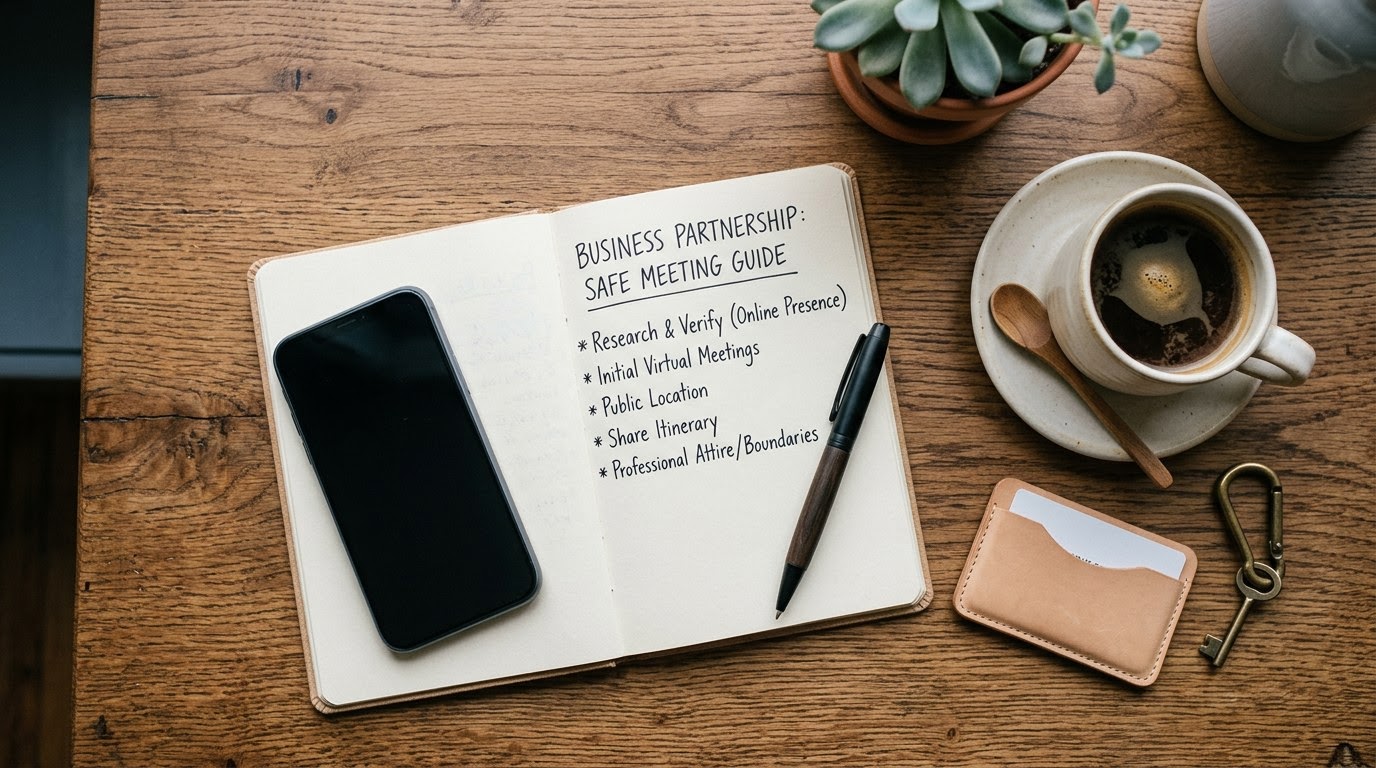
Use this guide when you plan to meet an online contact to discuss forming a business partnership, launching a start-up venture, or investing joint capital. Using TrustMatch along with standard identity verification protocols protects your personal safety, shields your intellectual property, and ensures you connect with legitimate prospective partners.
1. Run a TrustCheck through TrustMatch
Run a digital identity check before committing to an in-person meeting or sharing sensitive business documentation with an online connection. Enter your potential partner's first name along with their mobile phone number or email address directly into the TrustMatch verification portal. Within under sixty seconds, you receive a comprehensive TrustScore and clear verification verdict that confirms whether their digital identity aligns with standard phone carrier records and public risk databases.
As of September 2026, digital impersonation remains a significant financial and security risk when networking across digital platforms. FTC reports revealed that fraud losses connected to online business opportunity scams exceeded $450 million in 2023. Performing an upfront identity check confirms that the individual uses a genuine, contract-bound phone line rather than a temporary virtual number created for anonymous outreach.
To execute this step, open the verification portal on your browser or mobile device. Type in the person's primary contact details exactly as provided during your initial messaging exchanges. Submit the request to generate a real-time report detailing account age, carrier risk metrics, and identity consistency scores. If the result shows a low risk score and matching ownership indicators, proceed to step two. If the system flags an unverified voice-over-IP line or mismatched name records, pause communication until the contact provides verified contact information.
Keep a saved copy of the positive verdict in your records. This preliminary verification sets a baseline of accountability before you dedicate hours to discussing financial models, operational strategies, or proprietary technology concepts.
2. Audit corporate registration filings and domain records
Verify that your potential business partner has registered active legal entities and control over their claimed domain names before discussing proprietary equity or operational details. Access state corporate filing databases like the Secretary of State portal to check registration status, active legal standing, and listed officers. Compare public corporate record names against WHOIS domain registrant information to confirm that the person owns the digital assets they present online.
Fraudulent actors frequently fabricate business entity names, executive titles, and past company exit records to fabricate authority during online networking. FBI data indicated that investment and partnership fraud schemes caused over $4.5 billion in reported losses in 2024. Conducting direct registry searches independently eliminates reliance on potentially altered pitch decks or resume documents.
Begin by opening the official Secretary of State corporate search portal for the state where the company is allegedly incorporated. Search for the exact legal business name provided by your contact. Confirm that the business entity maintains an active status, has paid required annual reporting fees, and lists your prospective partner as a managing member, officer, or registered agent.
Next, perform a public WHOIS domain lookup on the company website address. Check the domain registration date and owner details. A domain created three weeks ago by a hidden proxy service for an entity that claims five years of operational history indicates a major operational discrepancy. Verify that corporate intellectual property and branding assets align precisely with legal filings.
3. Require a 10-minute live video consultation
Schedule a short live video call on a secure platform prior to agreeing to meet at a physical location or drafting preliminary deal terms. Request that both parties keep cameras enabled throughout the call to confirm identity, observe real-time visual alignment with profile pictures, and evaluate professional communication styles. Successful verification occurs when the video feed reveals an unedited, live individual whose physical appearance and vocal responses match their established digital profiles.
A 2025 BBB report found that 38% of entrepreneurs targeted by digital networking scams lost money before meeting face-to-face. Bad actors often refuse live video interactions or claim technical glitches to hide artificial intelligence deepfakes, stolen profile photos, or third-party proxy callers operating overseas.
Send a meeting calendar invite using standard web conferencing tools such as Google Meet, Zoom, or Microsoft Teams. Specify in the invitation notes that camera video is mandatory for mutual security and initial introduction. Observe the connection during the first minute of the call. Ensure the video quality is clear, natural light movement is present, and there are no severe latency artifacts or digital filter distortions indicative of video replacement software.
Ask direct, real-time questions about their career background, current business operations, and short-term strategic goals. Watch for natural, unscripted responses. If the participant claims their camera is broken, keeps the room entirely dark, or insists on converting the call to audio-only, politely end the session and do not proceed to an in-person meeting.
4. Conduct a mutual reference review with verified connections
Validate your contact's career history by reaching out directly to shared professional contacts or verified previous colleagues on established industry platforms. Contact these references using independently sourced email addresses or phone numbers rather than relying on direct phone numbers provided directly by the potential partner. Complete a quick baseline confirmation of past projects, operational roles, and general business integrity before moving forward with in-person discussions.
Professional credibility rests on verified past performance and legitimate workplace relationships. Relying solely on references provided on a resume or pitch sheet exposes you to staged reference calls involving accomplices. Cross-referencing through independent second-degree network connections provides an authentic assessment of personal character and technical competence.
Open professional networking databases and view your shared connection list. Identify two or three mid-to-senior level contacts who have worked with the individual in past ventures or corporate roles. Reach out via private message or corporate email to ask for a brief chat regarding their past working experience with the contact.
Evaluate the responses for consistency, timeliness, and direct familiarity. Authentic colleagues provide specific context regarding working styles, problem-solving skills, and legal integrity. If mutual connections report having no actual memory of working with the person, or flag prior breach of trust, treat this as a major identity warning sign.
5. Select a public, neutral location for the first in-person meeting
Arrange your initial physical meeting at a busy public venue such as a high-foot-traffic coffee shop, hotel lobby lounge, or shared co-working conference space during regular daytime business hours. Avoid private offices, residential properties, or secluded meeting rooms for your first encounter with an online acquaintance. Ensure the chosen venue provides open seating, clear exit access, and predictable foot traffic so you maintain full personal safety while conducting professional discussions.
First-time physical meetings with online contacts require physical environment controls to eliminate personal safety vulnerabilities. Choosing a neutral, commercial venue ensures that neutral observers and venue staff are present at all times. This prevents unwanted isolation, coercive pressure tactics, or physical intimidation during early negotiations.
Propose two or three specific public locations near central transit hubs or established commercial centers. Select a high-end coffee house, a busy hotel mezzanine, or a vibrant co-working lobby with open public seating. Agree on a specific meeting timeframe between 9:00 AM and 4:00 PM on a standard business day.
Arrive ten minutes prior to the agreed meeting time to inspect the seating area and position yourself near visible exits or main walkways. Maintain full control over your personal items, hardware devices, and confidential physical files throughout the interaction. If the contact attempts to change the location last minute to a remote or private setting, decline immediately and reschedule for a public venue.
6. Share your meeting details with a trusted contact
Send your complete meeting itinerary, including the partner's full verified name, phone number, meeting location, and scheduled start and end times, to a trusted friend or colleague before heading out. Set a strict timer on your smartphone to check in with your safety contact immediately after the meeting concludes. A successful execution of this step guarantees that someone knows your exact whereabouts and can initiate contact if you fail to check in at the designated time.
Safety check-in protocols establish a reliable outer layer of personal protection during real-world meetups. Informing a third party creates real-time oversight and eliminates dangerous delays in emergency response should an unexpected security issue arise during your meeting.
Compose a concise message containing the contact's full legal name, verified mobile phone number, vehicle details if known, exact address of the meeting venue, and your planned departure time. Send this summary to your designated safety contact along with a direct link to your real-time GPS location sharing application.
Set a silent alarm or reminder on your device for fifteen minutes after the scheduled meeting conclusion. Inform your safety contact when you expect to text them and give instructions to call you if you do not check in on schedule. Confirm that your contact acknowledges the instruction before entering the meeting location.
Verification reference matrix
Use this reference table during your initial vetting routine to determine what data points to request, where to confirm them, and what specific anomalies require immediate attention. Completing these checks systematically eliminates basic impersonation risks before you spend physical time or resources on a face-to-face meeting.
| Step | What to verify | Red flag if missing |
|---|---|---|
| Identity Check | Name matching active mobile carrier account | Unregistered prepaid line or VOIP provider |
| Entity Standing | Active registration in state corporate filing database | Dissolved, revoked, or non-existent corporate entity |
| Asset Control | Domain owner matching corporate registration name | Domain registered anonymously days prior to outreach |
| Visual Match | Live camera interaction matching profile images | Refusal of video call, static image, or distorted video feed |
| Peer History | Direct feedback from independent mutual connections | Inability to confirm past work history with former managers |
Red flags during this process
Recognize mid-routine warning signs and know exactly how to halt interactions if a potential partner exhibits suspicious behavior during vetting or initial outreach. Discontinue the conversation immediately if the contact refuses a video call, pressures you for sensitive intellectual property, or demands urgent upfront financial commitments before establishing identity.
Be alert to high-pressure persuasion tactics designed to bypass your safety checks. Scammers and bad actors rely on artificially induced urgency, claiming that an investment opportunity, patent filing, or partnership agreement will expire unless you sign documents or transfer funds immediately. Legitimate business executives respect systematic due diligence and welcome standard identity checks.
Watch for inconsistent personal details across communication channels. If an online contact uses different legal name spellings, changes their physical location claims, or provides fluctuating employment dates, treat these discrepancies as serious warning signs. Furthermore, avoid contacts who request that you meet at late hours, in private residences, or in unlisted office suites.
Pay close attention to requests for proprietary technological access or confidential client databases prior to executing formal non-disclosure agreements and formal identity validation. If a potential co-founder asks for administrative account credentials, bank routing numbers, or software source code during early meetings, break off contact instantly and secure your digital assets.
Quick checklist before your meeting
Follow this concise numerical sequence on the day of your meeting to confirm every baseline safety step has been completed before you leave for the venue. Skipping any single item increases your risk of falling victim to identity impersonation or fraud schemes.
- Verify their name and phone number through TrustMatch to confirm digital record alignment.
- Complete a short video call to confirm physical appearance against profile photos.
- Confirm corporate registration status on official government registry databases.
- Share your meeting location, start time, and exit time with a safety contact.
- Meet exclusively in a well-lit, high-traffic public location during business hours.
Calibrating security and professional respect
Executing these steps protects your personal safety and business assets while maintaining complete respect for a legitimate prospective partner, serving as balanced protection rather than invasive surveillance. TrustMatch simplifies this verification process, allowing real business professionals to establish mutual confidence quickly and focus on building successful ventures together.
Frequently asked
Why should I verify a potential co-founder before our first meeting?
Verifying identity and corporate backgrounds protects your physical safety, confidential financial data, and proprietary intellectual property. Unvetted contacts met on social or professional networks may use fake credentials or false business entries. Running standard verification checks ensures you spend time exclusively with legitimate, accountable prospective business partners.
What should I do if a potential partner refuses to do a video call?
Treat any refusal to participate in a live video call as a critical safety warning sign. Legitimate professionals willingly complete brief video introductions prior to meeting in person. If an online contact repeatedly cites broken hardware or bad connections, halt further interactions and do not share sensitive business plans or meet them offline.
Is running an identity verification check considered rude or suspicious?
No, performing standard identity verification is accepted practice in modern digital business networking. Transparent identity checks demonstrate professional diligence and protect both parties equally. Legitimate prospective founders welcome mutual safety steps, as clear accountability fosters trust and sets a strong foundation for future commercial agreements.
Where is the safest place to meet an online business contact in person?
Select a high-traffic, public venue during standard business hours for your first physical meeting. High-end coffee shops, busy hotel lobbies, or populated co-working space common areas provide ideal environments. Avoid meeting in private offices, isolated conference rooms, or residential locations until you have established complete personal and identity verification.
How does TrustMatch protect my safety when meeting potential partners?
TrustMatch validates that an individual's provided contact details match established carrier records and public risk indicators. Entering a name along with a mobile number or email returns a fast TrustScore verdict within one minute. This confirms identity consistency before you schedule physical meetings or share non-public business information.
More in Guide
- How to Safely Join a Local Volunteer Group Discovered Online
September 23, 2026
- How to Safely Buy Fine Art From Private Online Sellers
September 20, 2026
- How to Safely Buy a Used Jet Ski From a Private Seller
September 18, 2026