How to Spot Fake Payment App Screens During In Person Sales
· 9 min read
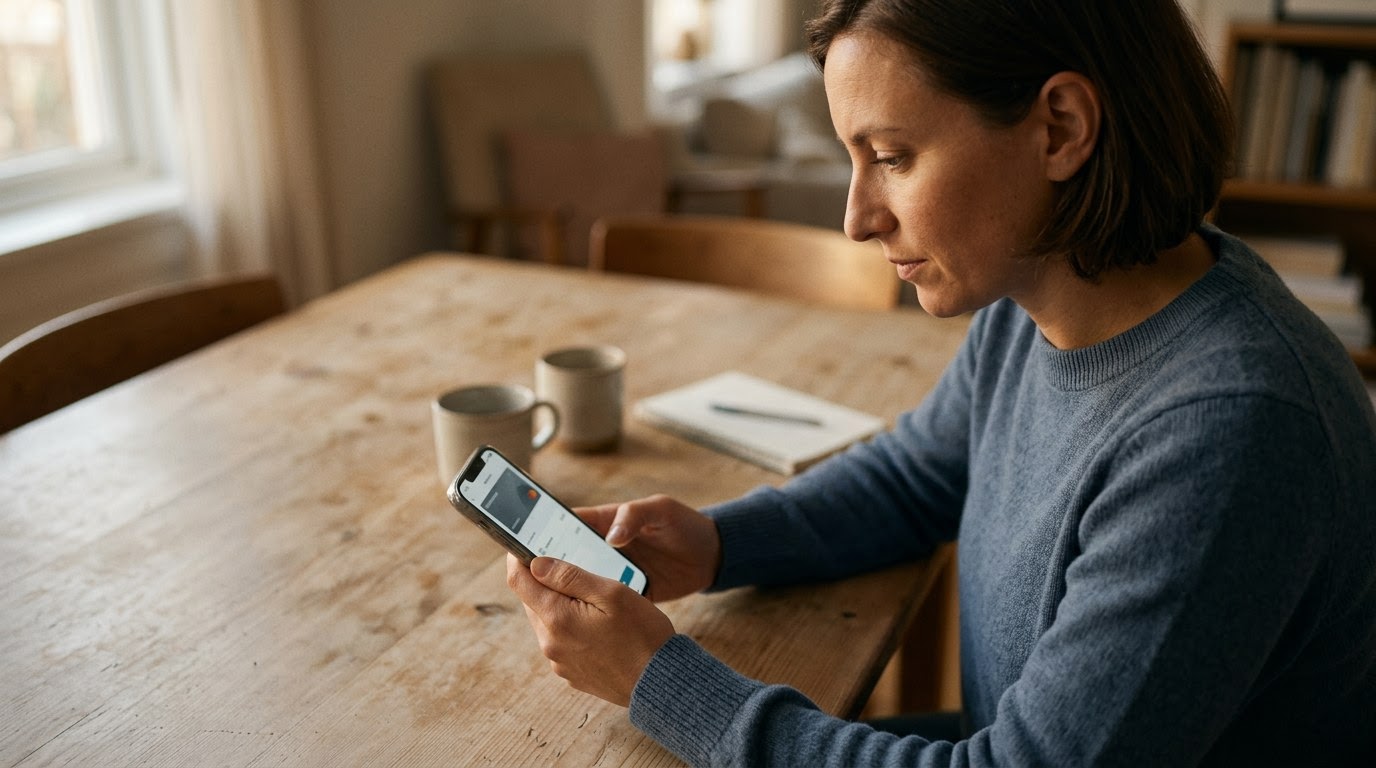
As of August 2026, local marketplace meetups remain one of the most practical ways to buy and sell used electronics, designer goods, and household items, but fraudulent buyer screen displays have become a primary tactic for thieves. The scam operates on simple visual trickery: a buyer shows you a realistic confirmation screen on their phone claiming money was sent via Zelle, Venmo, Cash App, or PayPal, when in reality no funds ever left their account. Getting fooled costs you both financial capital and peace of mind when you discover hours later that your item is gone and your bank balance never changed. Data released by the FTC in 2024 revealed that peer-to-peer payment fraud reports resulted in losses exceeding $210 million across local marketplace transactions. Before meeting a buyer in a public space, running a TrustCheck takes 60 seconds and ties a name to a real phone, real email, and a real digital footprint.
Rapid Screen Flashing and Immediate Departure
Rapid screen flashing happens when a buyer briefly waves their phone screen in front of your eyes for a fraction of a second before quickly placing the device back into their pocket or purse. This behavior usually indicates that the buyer is using a static image, a mockup website, or a video file that will not hold up under close inspection. For example, Marcus was selling an iPad; the buyer tapped a screen showing a green checkmark for two seconds, pocketed the phone, grabbed the iPad box, and rushed to a waiting car before Marcus could verify his own banking app.
When someone attempts this move, they rely heavily on social pressure and movement. They might physically step backward toward their vehicle, hand you their device momentarily while pulling it back, or initiate a conversation about being late for an appointment. Their goal is to create a sense of urgency that causes you to drop your guard and forgo checking your own device.
Legitimate buyers rarely mind if you take five or ten seconds to look at their screen or wait for your own phone to chime. When a buyer forces a swift resolution by hiding their screen immediately after tapping a button, treat that action as a primary warning sign. Keep hold of your item until you can independently verify the transaction.
Static Screenshots Posing as Live App Transfers
Displaying a saved screenshot instead of a live mobile application allows a scammer to present a realistic visual receipt without executing an actual fund transfer. This pattern means the buyer generated or captured a transaction screen beforehand, complete with typed text matching your selling price, but lacking any dynamic screen elements. For instance, Sarah met a buyer for a leather jacket who showed a completed Venmo transaction screen; when Sarah asked him to scroll up to show the transaction history, the image merely zoomed in, exposing it as a photo gallery file.
Static images lack the interactive elements found in genuine mobile apps. On official platforms, swiping down reloads the feed, tapping buttons opens menu drawers, and system status bars update continuously. A buyer holding a static image will often freeze up or make excuses when asked to navigate around the app interface.
According to a 2025 BBB report, over 40% of marketplace fraud victims reported that scammers used fake payment confirmation screens to pull off in-person thefts. You can instantly test if a screen is real by asking the buyer to swipe back to their main account balance or tap on the transaction details page. If the screen fails to react dynamically, the transfer is fake.
Third-Party Scam Apps Mimicking Real Payment Layouts
Custom spoofing applications look nearly identical to popular financial software like Cash App or Zelle but are designed specifically to generate fake success screens on demand. This pattern indicates a calculated fraud attempt where software lets the user input your name, handle, and dollar amount to create animated checkmarks and sound effects. For example, Elena handed over a game console after watching a buyer enter her phone number into an app that played an authentic-sounding chime, only to learn later that simulator apps copy official fonts and animations without routing money to payment networks.
These spoof apps are easily obtained through rogue app repositories and online message boards. Developers design them to replicate every aesthetic detail of real financial software, including green checkmarks, blue confirmation banners, transfer IDs, and confirmation sound bites. To the untrained eye in a dimly lit parking lot, the visual presentation appears completely authentic.
The core vulnerability of any spoof app is that it operates entirely offline or on an isolated web server. It cannot alter the records stored on official financial networks. No matter how convincing the buyer's screen animation looks, the fake app cannot push funds to your real account. Trust what appears on your phone screen, not theirs.
Blaming Pending Statuses on Cell Tower and Banking Lag
Claiming network delays or server latency is a psychological tactic designed to pressure sellers into relinquishing goods before money actually arrives in their account. Scammers use this excuse to explain why your bank balance has not updated, assuring you that peer-to-peer transfers take twenty minutes or a few hours to clear due to regional outage issues. For instance, David sold a camera gear set to a buyer who insisted that Zelle transfers take up to three hours across different financial institutions, convincing David to walk away empty-handed while showing a convincing fake pending receipt on his screen.
Peer-to-peer payment networks like Zelle, Cash App, and Venmo are built for instant clearing. While rare system maintenance can cause brief disruptions, legitimate transfers show up in your pending activity or main balance within seconds. A buyer who leans heavily on technical jargon or mobile carrier issues is often trying to buying time to leave with your item.
When a buyer claims the payment is pending on their end, simple policy protects you: the transaction is not complete until the funds land in your account. Real buyers understand this dynamic and will willingly wait with you or offer cash if their app is experiencing an authentic outage.
Prerecorded Video Playback Masked as Real-Time Entry
Video playback scams involve playing a pre-made screen recording where the scammer appears to type your contact handle and hit send in real time. This tactic allows the buyer to show smooth interface animations, tap actions, and confirmation screens while merely touching a playing video file on their device screen. For example, James noticed a tiny media playback bar appear at the bottom of the buyer's phone screen when the buyer tapped the final payment confirmation button for an expensive watch sale.
Scammers record these clips by capturing genuine transactions made previously, then editing the text or choosing video clips that look generic enough to pass as a live payment. During the meetup, they hit play, hold the phone at an angle, and mimic tapping the screen in sync with the video actions.
Pay close attention to how the screen responds to physical touch. If the timing of their finger taps looks slightly out of sync with the screen transitions, or if system notifications suddenly pop up over top of the payment screen without interrupting the payment flow, you are looking at a video playback file.
Visual Font Errors and Interface Alignment Glitches
Visual font inconsistencies and misaligned graphics occur because fake app builders struggle to match exact proprietary typography, status icons, and color gradients used by financial services. This red flag signifies an amateur software spoof or a hastily edited image file where spacing between numbers looks off or colors vary slightly from official app standards. For example, Maya noticed that a payment success screen displayed her handle in a standard sans-serif font rather than Cash App's distinct custom typeface, prompting her to hold onto her items until official notification arrived.
Official banking apps undergo rigorous design checks. Their typography, margins, logo proportions, and color palettes are consistent across every screen. Fake apps, by contrast, often feature slightly blurry logos, misaligned dollar signs, uneven padding around text boxes, or incorrect system time displays at the top of the screen.
If you suspect a screen is fake, look at the top status bar of the buyer's phone. Scammers using saved screenshots often forget that the battery percentage, Wi-Fi signal strength, or digital clock shown on the image does not match the actual status bar of their physical device.
Comparing Safe vs. Scam Buyer Behaviors
Recognizing the difference between a real buyer and someone using a fake payment app screen comes down to observing how they act during the exchange. Genuine buyers are patient, open to verification, and comfortable using standard payment channels.
| Dimension | Safe Buyer Behavior | Scam Buyer Behavior |
|---|---|---|
| Screen Interaction | Holds the device steady and allows you to look at the transfer confirmation clearly. | Flashes the screen rapidly, waves the phone, or pulls it back immediately. |
| Verification Source | Encourages you to check your own app or bank account balance to confirm funds arrival. | Insists their screen is sole proof of payment and pressures you to hand over the item. |
| App Navigation | Willingly taps buttons, scrolls through history, or refreshes the app screen in front of you. | Refuses to tap the screen, or tapping causes image zooming rather than app navigation. |
| Response to Delays | Waits patiently with you until your phone receives official notification of the deposit. | Blames carrier network outages, bank delays, or creates urgency to leave immediately. |
| Identity Transparency | Shares verifiable contact info and maintains consistent communication profile details. | Uses disposable profiles, vague names, or refuses simple identity verification prior to meeting. |
What to do if you spot these signs
- Keep physical hold of your item. Do not hand over the item, box, or keys while the buyer is navigating their payment app. Keep the product in your hands, in your vehicle, or secured on the table between you until the transaction is entirely finished.
- Run an identity verification check before meeting. Before meeting up with a buyer from a local listing site, run a TrustCheck using their phone number or email address. This step lets you confirm that you are meeting a real person with a legitimate digital history, reducing the risk of dealing with an anonymous burner account.
- Rely exclusively on your own device balance. Never accept a buyer's screen, notification screenshot, or email confirmation as proof of payment. Open your official payment application on your own smartphone, refresh the balance screen, and verify that cleared funds appear in your account.
- Politely decline the sale or switch to cash. If the buyer's payment does not reflect in your account within a few moments and they refuse to wait, firmly end the transaction. State clearly that you only release items once funds settle or offer to complete the transaction at a nearby bank ATM using physical cash.
Meeting buyers for marketplace sales does not have to be stressful when you set firm boundaries around payment confirmation. Trusting your instincts when a screen looks off or a buyer acts evasive is your best defense against local marketplace fraud. Verification is a quick, proactive habit—using TrustMatch gives you total clarity in just moments before you hand over your hard-earned items.
Frequently asked
Why shouldn't I trust a payment receipt emailed to me by the buyer?
Scammers frequently generate fake email receipts that mimic official notifications from Zelle, Venmo, or PayPal. These emails are sent from spoofed addresses to trick you into believing funds are held in escrow. Always open your official payment app directly on your own device to confirm that funds are actually in your account balance before handing over your items.
What should I do if a buyer insists Zelle takes hours to process?
While minor network delays can occasionally occur, Zelle transactions between established accounts typically complete within seconds. If a buyer claims a multi-hour delay, politely inform them that you will hold the item until the money reflects in your account. Never hand over merchandise based on a pending status shown on a buyer's phone screen.
Can scammers fake sound effects from Cash App or Venmo?
Yes, custom scam applications and screen recordings are engineered to play identical chime sounds to mimic successful payment transfers. The sound effect comes from the buyer's media speaker and has no connection to actual payment networks. Rely strictly on visual confirmation inside your own application rather than audio cues coming from the buyer's phone.
Is cash safer than peer-to-peer payment apps for marketplace sales?
Cash eliminates app-based screen spoofing, chargebacks, and digital payment delays. However, cash carries minor risks such as counterfeit bills. Meeting in a designated public safety exchange zone, such as a local police station parking lot, provides maximum safety regardless of whether you accept cash or verified digital payments.
How can I safely verify a buyer's identity before meeting in person?
Ask the buyer for their full name and primary phone number before agreeing to a public meetup spot. You can perform an identity check to verify that their contact details match an established digital footprint, ensuring you are dealing with a traceable individual rather than an anonymous online scammer.