How to Spot Password Harvesting Scams in Online Dating Relationships
· 10 min read
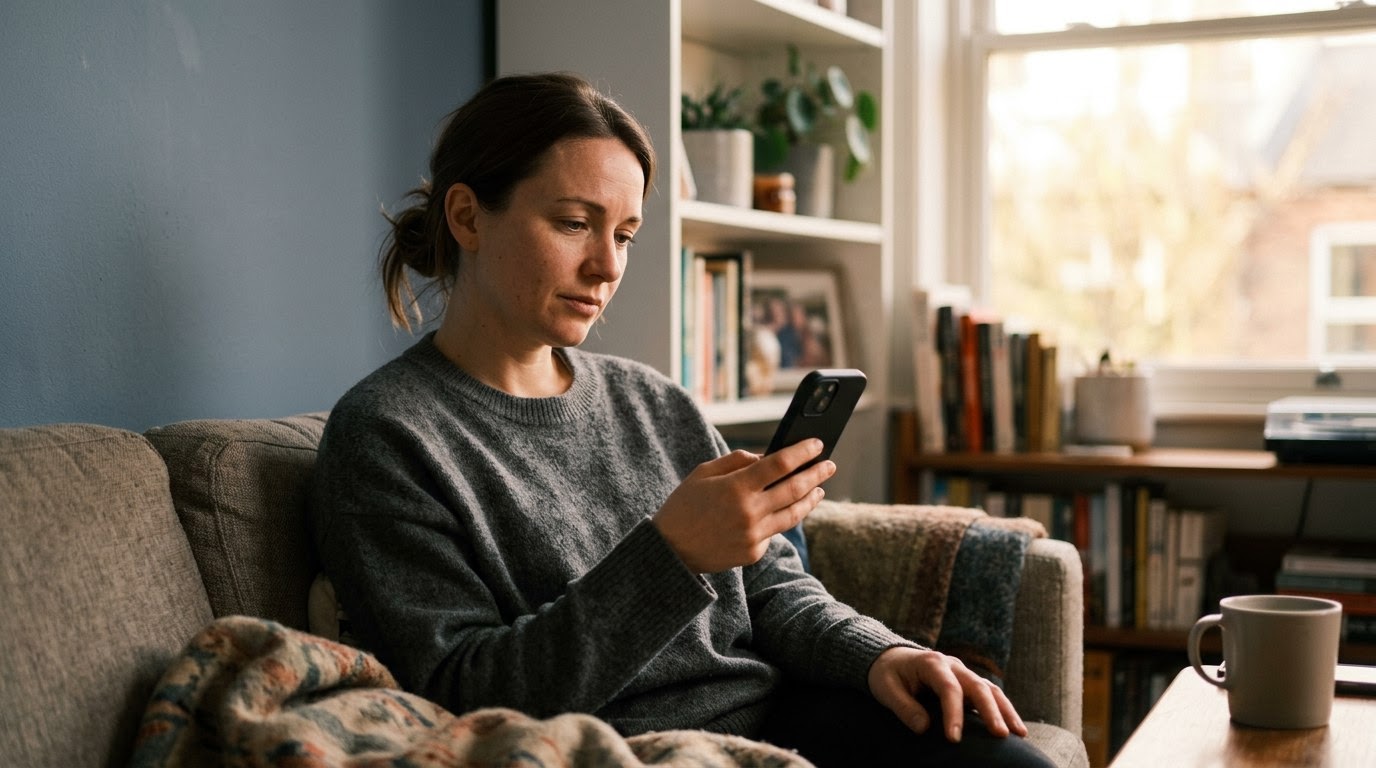
You met someone on a dating app, the conversation is flowing smoothly, and then comes a small, seemingly harmless request: "Hey, can I borrow your Netflix login so we can watch the same show tonight?" It feels like a normal step toward bonding, but in online dating, casual password requests are frequently the entry point for password harvesting scams. Scammers know that most people rely on credential reuse—the common habit of using the same password across multiple websites—to manage their digital lives. Giving up a single login can grant an attacker complete access to your personal digital ecosystem, leading to compromised email accounts, stolen personal identity details, and drained bank balances. As of September 2026, FTC data published in 2025 revealed that online romance scams accounted for over $1.1 billion in reported consumer losses. Running a TrustCheck takes 60 seconds and ties a name to a real phone, real email, and a real digital footprint so you can establish trust early.
Casual Requests to Share Streaming or Subscription Accounts
When an online contact asks for your login credentials to a streaming service or news site, it usually means they are testing your security habits and fishing for reusable passwords. This tactic targets credential reuse, which is the habit of using identical username and password combinations across multiple websites. For example, a match named "David" asked a woman for her HBO Max login after three days of messaging, then immediately attempted to log into her primary Amazon and PayPal accounts using the same password.
It is easy to view sharing a streaming password as a minor act of generosity. Scammers rely on this exact emotional framing. They present the request as a shared activity, framing it around watching a movie together while on the phone or catching up on a trending television series. The goal is rarely to watch the show. Instead, the scammer takes the email address you use for messaging and pairs it with the password you just provided.
Once they have that combination, they run automated software to test those credentials across hundreds of banking, retail, and social media platforms. This process is known as credential stuffing—an automated attack where stolen username and password pairs are tested across hundreds of popular sites. If you use that same password for your primary email or banking portal, the scammer can gain access, change the recovery details, and lock you out before you realize what happened. A genuine romantic interest will respect your digital boundaries and buy their own subscription.
Claims of Regional Geo-Blocking or Payment Processing Errors
When someone you met online claims they cannot access a website due to regional geo-blocking—a technology that restricts access to internet content based on a user's geographical location—and asks to use your login, it usually indicates a credential harvesting scam. Scammers invent billing glitches or location errors to trick you into handing over active account details. For instance, a contact claiming to be on an overseas work assignment asked a user for her Apple ID login to bypass a regional restriction, resulting in unauthorized cloud downloads of her private files.
Scammers often craft complex stories about traveling for business, serving in foreign military assignments, or managing international projects. These narratives create a built-in excuse for why their own accounts supposedly fail to work. They might ask for your Apple ID, Google Account, or premium news subscriptions under the guise of needing to read an article or download a specific application.
Handing over account credentials to resolve their alleged technical problem gives them direct access to your personal data. In the case of cloud storage accounts like Apple ID or Google, granting access allows the scammer to download your backed-up photo libraries, personal contact lists, and saved document backups. They can then use these stolen files to blackmail you or harvest further sensitive details to impersonate you elsewhere online. Never share account access to solve someone else's supposed technical or geographic limitations.
Sending External Login Links Under the Guise of Private Media Sharing
If a match sends a link to an unfamiliar photo gallery or private blog that prompts you to sign in with your Google, iCloud, or social media credentials, you are likely encountering a phishing attack—a fraudulent attempt to steal sensitive information by masquerading as a trustworthy site. Scammers construct fake sign-in portals that capture your username and password the moment you type them. A real-world example involved a user clicking a link to view "private vacation photos" that captured his primary password and locked him out of his email within ten minutes.
This tactic plays directly on curiosity and romantic interest. The scammer might tell you they uploaded explicit photos, a private video diary, or a special music playlist just for you. When you click the link, the landing page looks strikingly convincing, complete with familiar logos, fonts, and login buttons for popular email or social media providers.
However, the webpage is a hollow shell designed solely to capture keystrokes. When you enter your email and password, the data is sent directly to the attacker's server while redirecting you to a generic error page or broken image file. By the time you assume the link simply failed to load, the attacker has already logged into your actual account, harvested your contacts, and updated your recovery phone number. Legitimate dating contacts share photos directly through established dating app chats or standard messaging platforms that do not require external account logins.
Asking Security Question Style Questions Under the Pretext of Getting to Know You
When a match weaves childhood memories, mother's maiden names, first pet names, or high school mascots into casual conversation, they may be harvesting answers to your password reset prompts. This technique, known as social engineering—the practice of manipulating people into divulging confidential information—allows scammers to bypass account recovery security. For example, after exchanging playful "getting to know you" trivia, a user discovered her match had used her answers to trigger account recovery requests on her bank portal.
Early conversations in dating relationships naturally involve swapping personal histories. Scammers exploit this warmth by turning security questions into flirtatious banter. They might ask, "What was the name of your very first favorite teacher?" or "What city did your parents meet in?" to make the inquiry seem endearing and reflective.
While these topics seem harmless, they represent the exact fail-safes used by major financial institutions, email providers, and credit agencies to verify your identity when a password is forgotten. A scammer who already knows your primary email address can initiate a password reset on your bank or email portal, select "Answer Security Questions," and enter the details you casually shared over text. To safeguard your identity, keep security question answers completely fictionalized when setting up online accounts, and never share specific childhood milestones or identifiers with strangers online.
Sudden Requests for Secondary Two-Factor Verification Codes
When an online contact asks you to forward a text message code sent to your phone, it means they are attempting to bypass two-factor authentication—a security feature that requires two separate forms of identification to access an account. The scammer has already guessed or harvested your password and needs that temporary code to complete their account takeover. For instance, a scammer claimed he mistakenly sent his verification code to a user's phone number and asked her to read it back, allowing him to take over her primary social media profile.
This approach relies on urgency and panic. The scammer might send a message saying, "I am trying to log into my account on a new phone, but my number is tied to yours by mistake! Can you send me the 6-digit code you just got?" Alternatively, they might claim they are setting up a verification badge on a chat platform and need you to confirm a code to prove you are a real person.
In reality, the code arriving on your mobile device is a one-time passcode generated because the scammer is sitting at a sign-in screen attempting to access your account. The moment you text or read those numbers back to them, you hand over the final key needed to breach your profile. Once inside, they can lock you out, message your friends asking for money, or access stored financial payment cards. No legitimate company or online contact will ever need you to send them a verification code generated for your phone.
Insisting on Screen-Sharing to Help Resolve Technical Issues
When an online match offers to walk you through a technical task or suggests sharing your screen during a video call, they are often attempting to observe your typing or harvest session tokens—digital credentials that keep you logged into an active website without re-entering your password. This gives the attacker real-time access to your open tabs and sensitive credentials. A composite example involves a match suggesting a remote troubleshooting session, during which he captured visible credit card numbers and stored browser passwords.
Screen-sharing requests often appear when you mention a minor technical annoyance, such as struggling to book flight tickets, setting up an online profile, or configuring an app. The scammer positioning themselves as a helpful expert will suggest launching a video call software or remote desktop application to "fix it for you."
While screen-sharing, the scammer can watch you log into accounts, effectively acting as a manual keylogger—a malicious software program or visual observation method that records every keystroke you type on your keyboard. They can also view open browser tabs containing confidential documents, full legal names, bank account balances, or home addresses. Furthermore, remote access programs can allow them to quietly transfer files or install malicious tracking software onto your device without your knowledge. Keep your screen private and never grant remote access to anyone you have not met and thoroughly vetted in real life.
How Safe and Scam Behaviors Compare in Online Dating
Distinguishing between normal online dating etiquette and malicious credential harvesting comes down to recognizing boundaries. Scammers pressure you for access and information, while genuine contacts respect your privacy and handle their own digital needs independently. Review the comparison table below to evaluate how your contact's requests align with safe online behavior.
| Dimension | Safe Relationship Behavior | Scam / Red Flag Behavior |
|---|---|---|
| Requests for Logins | Never asks for your passwords, streaming credentials, or account access. | Asks to share streaming accounts, cloud storage, or subscription logins early on. |
| Identity Transparency | Maintains consistent profiles across platforms with verifiable digital details. | Uses vague details, inconsistent names, or claims active social profiles were deleted. |
| Response to Security Boundaries | Accepts a "no" gracefully when you refuse to share private information or codes. | Becomes aggressive, guilt-trips you, or claims you do not trust them if you decline. |
| Media Sharing Methods | Shares photos and videos directly within the dating app or standard SMS. | Sends external web links requiring you to sign in with Google or social credentials. |
| Personal History Questions | Asks broad, natural questions about your life, career, hobbies, and interests. | Fixates on specific security questions like pet names, maiden names, or your first car. |
What to do if you spot these signs
- Immediately refuse the request and secure your active accounts. Do not share any password, verification code, or login link. If you have already shared a password, immediately change it across every platform where you used that credential, ensuring you create a unique, complex password for each account.
- Run a TrustCheck using their name, phone number, or email address to verify their online presence before continuing the relationship. Confirming that your contact's declared identity matches real-world digital footprints helps you identify fake profiles and protect your personal safety early in the interaction.
- Enable app-based two-factor authentication on your primary email and bank accounts. Switch your account recovery settings from SMS-based text messages to an authenticator application, which generates codes directly on your device and prevents scammers from intercepting secondary login prompts remotely.
- Report the suspicious profile to the dating platform and block all communication. Document the messages where the credential requests occurred, submit a safety report to the app moderators, and cut off further contact to prevent the scammer from attempting alternative manipulation tactics.
Trusting your gut when something feels off in a new online relationship is not paranoia; it is smart digital self-defense. You deserve to connect with people who respect your personal boundaries and never put your security at risk. Taking a moment to run a TrustCheck gives you instant clarity so you can protect your digital life without feeling guilty. Keep your passwords to yourself, stay curious, and give yourself permission to step back whenever a conversation crosses the line.
Frequently asked
Why do scammers want my streaming service passwords?
Scammers target streaming service passwords because many people reuse the same login credentials across multiple websites. Once an attacker obtains your streaming password, they use automated scripts to test that exact email and password combination on high-value sites, including online banking portals, major retail platforms, and primary email accounts.
What should I do if I already shared a password with an online match?
Immediately change the password on the account you shared. Next, change the password on every other website where you used that same credential. Enable two-factor authentication on your primary email and financial accounts, and check your logged-in device history to log out any unrecognized remote sessions.
Can someone hack my phone just by sending me a photo link?
Simply receiving a text message link will not automatically compromise your phone, but clicking the link can lead to a deceptive phishing page designed to steal your credentials. These pages imitate official login screens for Google, iCloud, or social media, capturing your username and password the moment you enter them.
Is it safe to give an online contact my phone number?
Sharing your phone number carries minor risk if you have not verified the person first. A phone number can be used by scammers to look up your full legal name, home address, and relative connections, or to target you with secondary SMS phishing attempts and account reset requests.
How can I tell if an online contact's identity is authentic?
Authentic contacts maintain a consistent digital footprint across social platforms, phone numbers, and professional networks over time. You can verify whether their name, phone number, and email match legitimate public profiles before meeting in person or sharing any sensitive personal information.
More in Safety
- What to Do When an Online Match Asks for Your Driver License
September 18, 2026
- What to Do When a Dating Match Asks for Wi-Fi Access
September 16, 2026
- What to Do If an Online Match Asks for Your Workplace Location
September 14, 2026