What to Do If an Online Match Requests Remote Phone Access
· 9 min read
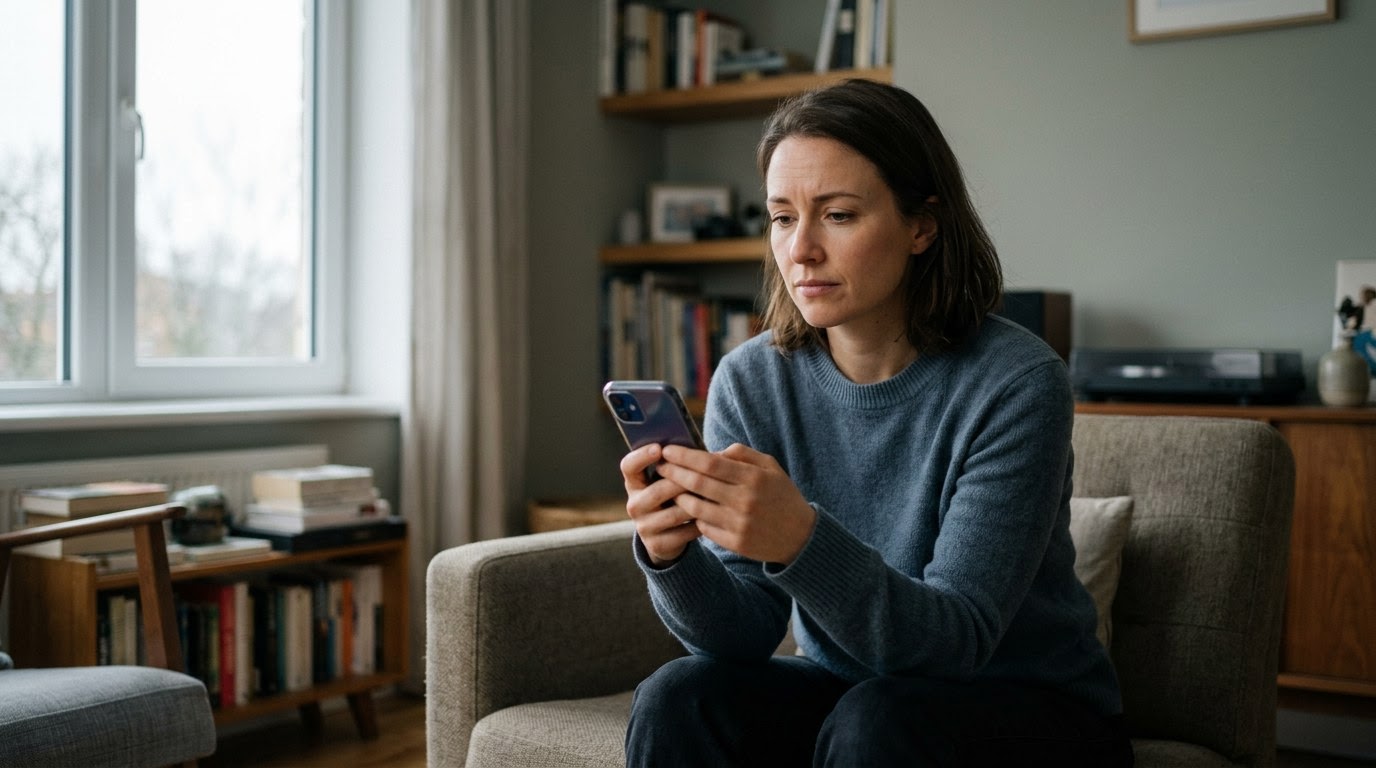
As of August 2026, remote phone access schemes have become one of the most financially damaging crossover threats operating across dating platforms and social networks. Fraudsters combine personal emotional manipulation with technical tricks, persuading you to install remote control utilities under the pretense of helping you solve a technical issue, manage cryptocurrency, or send a cash gift. The financial and personal cost of falling for this deceptive trick can be severe, causing drained bank accounts, stolen identities, and significant personal stress. Before getting deeper into a relationship or sharing sensitive details, running a TrustCheck takes 60 seconds and ties a name to a real phone, real email, and a real digital footprint.
Signal 1: They ask you to download remote support tools like AnyDesk, TeamViewer, or RustDesk
When an online match asks you to download remote desktop applications like AnyDesk or TeamViewer, they are attempting to gain direct, full control over your device. In legitimate technical contexts, these tools permit IT technicians to fix software issues remotely, but in online dating, there is never a valid reason for anyone to request this level of access. Scammers utilize this control to view your screen, read incoming notifications, and secretly access private accounts without your authorization.
Remote access software—applications designed to let someone view and control a computer or phone remotely over the internet—gives an outsider the exact same privileges you have on your device. Once installed, the remote party can open files, review saved passwords, view private photos, and watch every finger tap you make on your screen. FTC data indicates that reported romance scam losses reached more than $1.3 billion in 2024, with a growing proportion involving remote desktop tools used to compromise mobile banking portals.
Consider a composite example: Marcus connected with "Elena" on a dating site. After two weeks of pleasant conversation, Elena offered to transfer $500 to Marcus so he could purchase a plane ticket to visit her. However, she insisted that he download QuickSupport so her "financial advisor" could ensure the transfer was set up properly. Marcus shared his connection code, and within minutes, his screen flickered while the scammer initiated unauthorized transfers out of his savings account.
Signal 2: They offer to guide you through investments, troubleshooting, or crypto transfers
An online match offering hands-on technical support or step-by-step investment assistance is a primary indicator of a remote access manipulation attempt. Fraudsters build rapport over several days or weeks, then introduce a fake technical error, a lucrative trading platform, or an urgent financial matter that supposedly requires them to guide you through your phone setup. This tactic distracts you with promises of financial growth while opening a back door into your device.
During these remote control sessions, the scammer usually asks you to log into specific financial services, crypto exchanges, or banking portals under the guise of "showing you how it works." As you navigate these screens, they record your keystrokes, observe your login names, and capture sensitive verification credentials. According to a 2025 FBI report, remote access and technical support fraud caused over $900 million in victim losses, highlighting how dangerous sharing screen control with online contacts can be.
Take Sarah's story as an anonymized example: She met "David," who claimed to be an international commodity trader. David suggested Sarah set up a digital currency account so he could gift her some initial capital. He asked her to start a screen-sharing session so he could "walk her through the registration." As Sarah typed her bank details to link her account, David captured her online credentials and bypassed her two-factor authentication—a security feature that sends a short temporary code to your phone to confirm your identity—draining her linked checking account before she realized what had happened.
Signal 3: They press you to read out session codes or approve device pairing prompts
If an online contact repeatedly demands multi-digit connection codes or urges you to press allow on unexpected system authorization pop-ups, you are facing an active remote takeover attempt. Remote access programs generate unique connection passcodes or push notifications to ensure that device owners explicitly consent before external control is established. Scammers use artificial urgency, emotional pressure, and distracting excuses to convince you to hand over these codes without reflecting on the risks.
When you provide a session ID or tap "Approve," you remove the primary security layer protecting your device operating system. The remote party immediately secures administrative privileges, allowing them to adjust system settings, install secondary malicious utilities, or restrict your ability to use your own device. They frequently turn off notification alerts so you remain unaware of bank transfers or password resets taking place in the background.
For instance, Julian received a message from his match "Clara," who claimed she sent him a link to private video memories stored on a secure server. When Julian clicked the link, his phone displayed a prompt asking to approve remote management permissions. Clara called him immediately, speaking rapidly and insisting he tap "Allow" within 30 seconds or the session would expire. Recognizing the aggressive behavior and panic-inducing language as a clear warning sign, Julian rejected the request and disconnected the call.
Signal 4: They ask you to log into your banking or payment apps while sharing your screen
A match requesting that you open mobile banking applications, digital payment services, or investment accounts while participating in a screen-share session is attempting direct asset theft. Even if they claim they want to deposit funds into your account or confirm that a transaction went through, broadcasting your screen exposes active balance information, private routing numbers, and visible PIN entries. Legitimate contacts will never ask you to display financial portals on screen.
When screen sharing—a built-in feature or app tool that streams your live display to another user's device—is active, everything visible on your monitor or phone display is recorded or viewed live by the other person. Scammers often take screenshots of your security questions, account numbers, and personal identifiers. They can also use screen mirroring to observe security SMS messages as they arrive at the top of your screen, effectively defeating your multi-factor security protections.
An anonymized case illustrates this risk: Nina believed she was in a serious online relationship with "Arthur." Arthur said he wanted to send her funds to purchase a home item, but requested she open her banking app during a video call to "make sure her bank accepts international wires." While Nina had the banking interface visible, Arthur took quick screen captures of her account details, used those details to initiate an online transfer, and read the confirmation code directly off her notification bar while she was still talking to him.
Signal 5: They insist on moving off the dating app to an encrypted messaging app quickly
Scammers routinely demand to move conversations off mainstream dating platforms onto external messaging services like WhatsApp, Telegram, or Signal within moments of connecting. Dating apps incorporate automated monitoring systems, scam detection algorithms, and safety warnings designed to flag accounts that send external links or request technical software downloads. Moving you off the dating app eliminates those built-in safety alerts, giving the scammer an isolated environment to execute their attack.
Once you transfer the conversation to an external app, the scammer feels free to send dangerous links, ask for personal phone numbers, and introduce remote access utilities without risk of their dating profile being immediately banned. They often delete their original dating profile shortly after you move platforms to hide their tracks and prevent you from reporting them to platform moderators.
Consider Mark's experience: He matched with "Chloe," who almost immediately asked to talk on Telegram, claiming she rarely checked her dating app notifications. Once on Telegram, Chloe began sending file links under the guise of custom photo albums. In reality, these files contained disguised malware—malicious software engineered to compromise or control a device secretly—that prompted Mark for root access permissions. Because Mark was no longer communicating on the dating app, he missed the platform's automatic warning about external file transfers.
Comparing Safe Online Dating Behaviors vs. Remote Access Scam Indicators
Recognizing the difference between healthy online interaction and technical manipulation is essential for maintaining your personal safety. The table below outlines key dimensions that distinguish safe communication patterns from fraudulent behaviors.
| Dimension | Safe Behavior | Scam Behavior |
|---|---|---|
| Technical Requests | Respects device privacy; never asks to install remote software or share your screen. | Demands you install AnyDesk, TeamViewer, or similar software to "help" or verify accounts. |
| Communication Channel | Willing to stay on the dating platform until mutual trust is securely established over time. | Pushes aggressively to move off-platform to Telegram or WhatsApp within minutes. |
| Financial Discussions | Keeps conversations focused on personal interests, hobbies, and mutual background. | Introduces crypto, investment opportunities, wire transfers, or gift cards quickly. |
| Pacing and Urgency | Communicates at a normal, relaxed pace without pressuring you to take immediate action. | Creates artificial crises or time-sensitive opportunities requiring quick codes. |
| Identity Transparency | Open to voice calls, video chats, and sharing verifiable personal details over time. | Avoids live video, offers excuses for camera issues, and uses inconsistent identity details. |
What to Do If You Spot These Signs
If an online contact asks for remote access to your device or if you suspect you have already interacted with a remote access scammer, take immediate, deliberate steps to protect your personal data and financial assets.
- Disconnect your device from networks immediately: Turn off your phone's Wi-Fi and mobile data connections, or place the device in Airplane Mode right away. This cuts off any active remote desktop connections, preventing the fraudster from continuing to view your screen or send commands to your phone.
- Contact your financial institutions using a different device: Call your bank, credit card companies, and investment platforms using the customer service number listed on the back of your physical card or official statements. Inform their fraud departments that your device may be compromised, request account freezes, and reset your online banking passwords.
- Audit and uninstall suspicious applications: Open your phone's system settings and review the installed application list. Remove tools like AnyDesk, TeamViewer, QuickSupport, or any unfamiliar utility you did not install yourself. Revoke administrator rights and accessibility permissions for any unverified applications.
- Verify the person's identity before continuing interaction: Run a TrustCheck on the name, phone number, or email address your match provided to see if their details connect to a real identity or a known network of fraud indicators before you engage with them any further.
- Report the user and file formal reports: Report the user's profile to the safety team on the dating platform where you met. Additionally, submit a fraud report to local law enforcement and national reporting centers such as the Federal Trade Commission (FTC) or the FBI Internet Crime Complaint Center (IC3).
Trusting your gut instincts when something feels unusual in an online relationship is one of the most effective safety tools you have. You are never obligated to download software, share connection codes, or open financial applications for anyone you meet online. Taking a moment to pause, disconnect, and run a TrustCheck gives you total control over your safety so you can make confident, informed decisions about who you choose to trust.
Frequently asked
Why would an online match want remote access to my phone?
Scammers ask for remote access to take control of your device, view sensitive personal data, and steal funds. Once connected, they can view banking apps, read temporary verification codes, intercept passwords, and transfer money out of your accounts without your permission.
Is it safe to share my screen during a video call with a match?
Sharing your screen carries significant risks because it displays everything on your screen to the other person. If you open banking portals, messages, or notification banners while screen sharing, the viewer can capture your passwords, account numbers, and personal identity details live.
What should I do if I already gave a scammer my session code?
Immediately disconnect your phone from the internet by turning on Airplane Mode. Uninstall the remote access software from your app settings, then use a separate, safe phone to call your bank and credit card issuers to lock your accounts and reset passwords.
Can a scammer access my bank account just from a phone number?
A phone number alone is usually not enough to log into your bank, but scammers use it to search for personal information, send phishing texts, or target you with remote access tricks that trick you into revealing your account passcodes.
How can I prove if an online match is using a fake identity?
You can verify their details by cross-referencing their claimed phone number, email address, or name using identity verification tools. Legitimate contacts will also be willing to meet in person or do a live video call without making technical excuses.