How to Safely Host an In-Person Meetup for an Online Community
· 9 min read
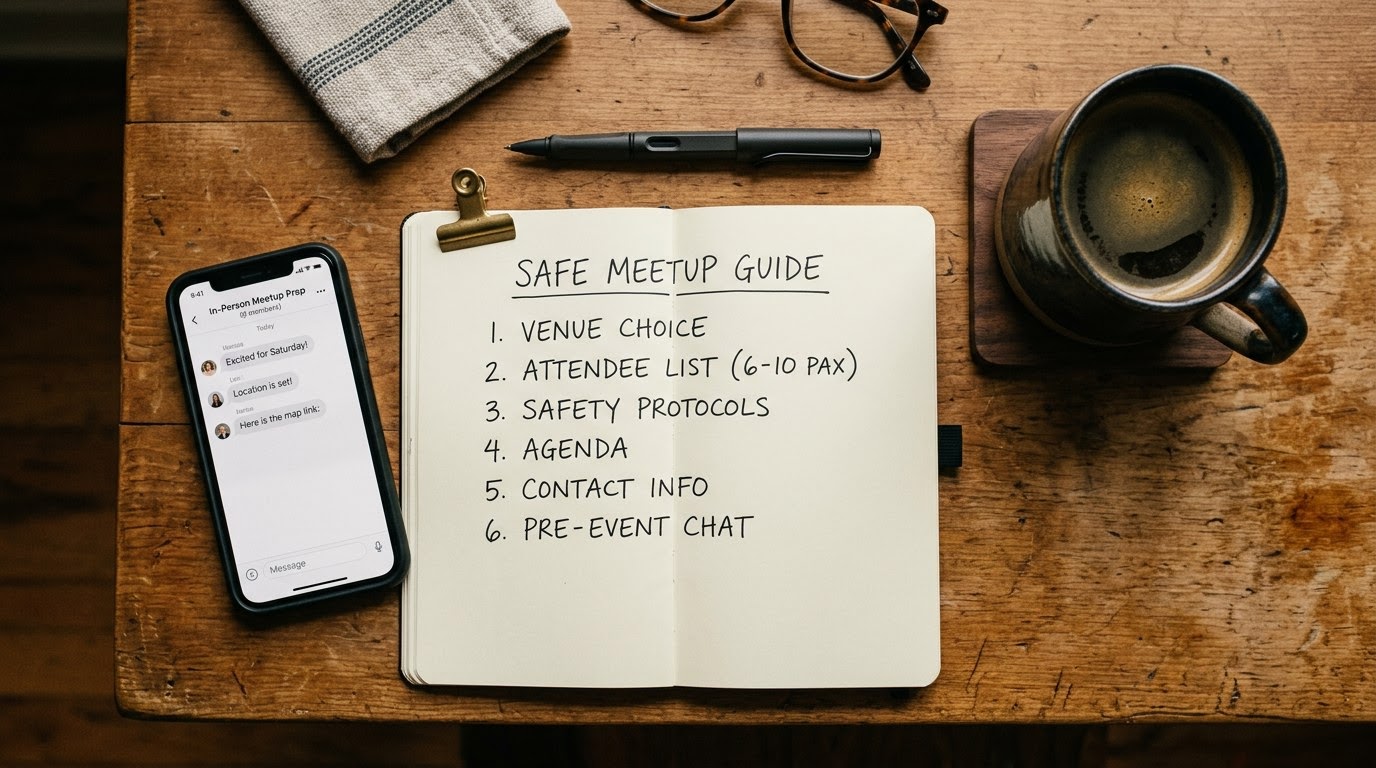
Apply this guide when transitioning an online community, interest group, or digital forum into a physical, real-world gathering. Utilizing verification platforms like TrustMatch helps group organizers confirm attendee identities, mitigate safety risks, and create a secure environment for every participant.
1. Choose a Public and Accessible Venue
Select a well-lit, open venue with high foot traffic, such as a community center, public park, or established coffee shop. Avoid hosting initial community meetups in private residences, secluded trails, or unverified commercial spaces. Ensure the location has multiple clearly marked exits, accessible parking, and public transit connections. Confirming a public location protects both you and your community members while establishing a neutral setting for everyone attending.
Contact the venue management well in advance of your gathering. Explain the exact size of your online group, your planned activities, and expected arrival times. Ask whether the venue requires special permits, reservation fees, or liability waivers for group gatherings. Inquire about on-site security coverage, emergency medical equipment, and staff availability during your scheduled block. Establishing direct contact with venue staff ensures you have immediate support if an uninvited guest causes a disruption or if a participant experiences a medical emergency during the event.
Conduct a physical walkthrough of the site prior to publishing any scheduling details to your community. Inspect the layout to identify potential bottleneck areas, blind spots, and noise levels that could hinder communication. Verify that lighting remains strong throughout the evening hours if your gathering extends past sunset. Check mobile phone reception across all areas of the space so organizers and attendees maintain reliable communication at all times. Choosing a vetted, high-visibility environment minimizes security vulnerabilities and sets a professional standard for your community.
2. Run a TrustCheck on RSVP Participants
Screen every registered attendee before giving out venue details or granting access to private meetup channels. Open your TrustMatch dashboard, enter the participant's first name and phone number or email address, and get a TrustScore and safety verdict in under a minute. This rapid identity verification confirms that the person requesting entry matches a real, verified identity and flags burner numbers, fake profiles, or known fraud indicators instantly.
According to FTC reports published in 2024, consumers reported over $10 billion in total fraud losses, driven largely by digital imposter scams and fake online personas. Running proactive identity checks shields your physical gathering from bad actors who use anonymity to exploit group trust. Requiring real-name confirmation deters trolls, scammers, and aggressive individuals from targeting your community members in real life. Treat identity checks as a standard administrative step for all events, ensuring equal safety standards for longtime members and newcomers alike.
Store member verification records securely and handle all personal information with strict confidentiality. Inform your members that identity verification is mandatory for event security and will never be shared with third parties or used for commercial marketing. Clear communication regarding safety policies builds trust across your member base and encourages prompt compliance. When community members see that organizers prioritize rigorous safety standards, overall attendance rates and member engagement increase significantly.
3. Mandate Pre-Event Digital RSVPs
Require every participant to register through an official event portal at least twenty-four hours before the meetup occurs. Do not publish exact meeting times, room numbers, or private venue addresses publicly on open social media boards or broad forum listings. Restrict full location details exclusively to confirmed, verified attendees. Enforcing strict advance registration eliminates unvetted walk-ins, controls capacity, and maintains an accurate head count for event security.
Set explicit registration deadlines so your leadership team has adequate time to review participant lists and run necessary identity checks. Close registration forms as soon as you reach your safe venue capacity limit. Provide registered guests with a unique digital ticket or confirmation code that they must present at the entrance. Instruct members not to forward invitation links or bring unannounced guests without prior approval from community organizers.
Maintain a centralized master attendance list accessible to all event co-hosts via encrypted mobile spreadsheets or event apps. Update this roster in real time as RSVPs are confirmed or canceled. Tracking active RSVPs allows organizers to spot duplicate sign-ups, suspicious bulk registrations, or last-minute profile changes. Having an organized, real-time guest list keeps your event manageable and ensures that every individual on site has passed your primary security screen.
4. Establish Clear Community Guidelines and Co-Hosts
Publish explicit code-of-conduct guidelines and assign designated safety co-hosts prior to event day. Outline acceptable behaviors, photography rules, harassment policies, and immediate grounds for removal directly on the event sign-up page. Brief your co-hosts on monitoring crowd dynamics, managing guest check-ins, and handling security escalations. Distributing leadership responsibilities ensures constant oversight and empowers staff to enforce boundaries swiftly if inappropriate behavior arises.
Select experienced, trustworthy community members to serve as safety co-hosts during the meetup. Assign specific roles to each leader, such as managing the front check-in desk, floating through the main room, or monitoring venue exit points. Provide co-hosts with distinct visual markers, such as branded lanyards or matching pins, so attendees can easily locate help if they feel uncomfortable. Hold a mandatory ten-minute briefing before opening doors to review safety protocols, communication channels, and intervention strategies.
Establish a clear protocol for handling policy violations during the event. Define specific thresholds for verbal warnings, temporary separation, and immediate removal from the premises. Ensure co-hosts understand that member safety takes priority over avoiding awkward social confrontations. Document any policy breaches or disruptive incidents immediately after the event to maintain clear records for future community moderation decisions.
5. Implement an On-Site Check-In Protocol
Set up a single entry point manned by designated safety co-hosts to verify attendees as they arrive. Match every guest against your master RSVP list and verify their identity against their registered contact details before granting entry into the meeting area. Issue name tags or wristbands to distinguish authorized participants from regular venue patrons. Controlling access prevents unauthorized individuals from lingering inside your private event area.
Position your check-in station near the main entrance while keeping doorway pathways clear to avoid congestion. Equip your check-in team with digital tablets or printed guest rosters to confirm credentials quickly. Do not allow attendees to enter the main gathering space without completing the verification step. If an unregistered guest accompanies a verified member, direct them to complete an instant digital registration and identity check before granting entry.
Provide arrival orientations for members as they complete check-in. Point out key venue features, including rest rooms, emergency exits, designated quiet zones, and the location of safety co-hosts. Remind guests of your photography policy, ensuring that members who prefer not to be photographed receive marked name tags or lanyards. A structured check-in process establishes order, reassures attendees, and maintains firm control over the physical environment.
6. Set Up an Emergency and Exit Plan
Designate clear emergency procedures, primary evacuation routes, and first-aid contacts before opening the doors. Share the location of fire exits, emergency phones, and medical kits with all co-hosts during pre-event briefings. Maintain an active emergency contact list for local law enforcement, urgent medical services, and venue security staff on your mobile device. Preparedness guarantees a calm, organized response if medical emergencies or physical safety issues occur.
Identify a designated regrouping location outside the venue building in case an immediate evacuation becomes necessary. Inform attendees of basic safety directions during your opening welcome remarks. Ensure that all emergency exits remain completely unobstructed by chairs, equipment, or signage throughout the duration of your event. Verify that the venue features accessible routes for members with mobility challenges.
Keep a fully stocked first-aid kit at the primary check-in desk at all times. Assign at least one co-host to oversee basic medical response and contact professional emergency services if a serious situation develops. If a physical safety threat or severe harassment incident occurs, direct your co-hosts to escort the affected individual to a secure area while venue staff or law enforcement resolve the issue. Prioritizing emergency planning safeguards your members and protects your organization from liability.
Verification Reference Guide
Use this structured reference framework to evaluate attendee credentials, verify contact information, and spot security red flags during the event planning phase. Systematically checking participant details ensures consistent safety standards across every community event you host. Comparing verified data against common warning signs empowers organizers to make objective decisions about guest entry, account suspensions, or event cancellations before risks escalate into real-world disruptions.
| Step | What to Verify | Red Flag if Missing |
|---|---|---|
| Pre-Event Registration | Full name, active phone number, verified email address | Disposable phone numbers, throwaway email domains, refusal to provide contact details |
| Identity Confirmation | TrustScore rating, identity match verdict, account age | Flagged phone number, mismatched identity records, newly created burner profile |
| On-Site Arrival | Match with master RSVP list, physical check-in confirmation | Unannounced walk-ins, unregistered guests accompanying members, fake name tags |
| Behavioral Monitoring | Adherence to community code of conduct, respect for boundaries | Aggressive questioning, unapproved filming, attempts to isolate individual members |
Quick Checklist for Meetup Safety
Follow this sequential execution checklist to ensure every administrative, verification, and physical security task is completed before attendees arrive. Systematic preparation minimizes oversight and guarantees a standardized safety protocol for every gathering. Complete each item in order during the days leading up to your scheduled event, verifying that venue arrangements, participant rosters, and safety co-hosts are fully aligned before doors open to the public.
- Lock down a public, accessible venue with verified exits and staff support.
- Run a TrustCheck on all RSVP requests to confirm real identities.
- Send full address details exclusively to verified participants twenty-four hours prior.
- Brief co-hosts on code of conduct enforcement and emergency evacuation paths.
- Execute on-site check-in with physical name tags and roster verification.
Red Flags During This Process
Recognize behavioral and technical red flags early when screening attendees or managing live event interactions. Watch for participants who refuse standard identity checks, pressure organizers for private location details without registering, or use VOIP numbers to bypass registration forms. If someone displays aggressive hostility, attempts to recruit members for external unvetted groups, or circumvents check-in desks, remove them from the venue immediately and revoke membership.
Pay close attention to individuals who attempt to isolate specific community members during the event or pressure others into leaving the venue for unverified secondary locations. Watch for unauthorized photography or video recording after members have requested privacy. If an attendee demonstrates erratic behavior, refuses to follow co-host instructions, or displays intoxication, intervene immediately and escort them away from the group.
Document every suspicious interaction or policy violation in your community moderation log. Share relevant details with your co-host team to prevent banned individuals from registering for future events under alternative email addresses or altered names. Trust your instincts if a situation feels unsafe or volatile. As of August 2026, executing these structured safety protocols ensures your physical community events remain vibrant, secure, and welcoming for legitimate participants. These steps protect you and respect a real person; they are not surveillance. TrustMatch provides the verification tools needed to keep your community safe without imposing unnecessary barriers.
Frequently asked
Why should online community organizers screen meetup attendees in advance?
Screening attendees prevents unverified individuals, digital imposters, and potential bad actors from entering private community spaces. Confirming contact details and identity scores before releasing event locations maintains a secure environment for existing members and reduces the risk of harassment or physical disruption during real-world gatherings.
How far in advance should location details be shared with registered guests?
Release exact event addresses twenty-four to forty-eight hours before the scheduled meetup time. Share details only after confirming the attendee's identity and RSVP status through secure channels. Withholding specific room numbers or venue details publicly protects your group from unvetted walk-ins while giving legitimate guests adequate travel time.
What should you do if an unregistered person shows up at the meetup?
Politely inform the individual that entry requires pre-event registration and identity verification for safety reasons. Direct them to your official digital platform to sign up for future gatherings. If the person refuses to leave or becomes hostile, request assistance from venue staff or local security immediately.
Is identity verification compliant with privacy standards for community events?
Yes, provided you collect minimal necessary information, maintain strict confidentiality, and store data securely. Verification services assess risk indicators without exposing sensitive personal files or conducting credit checks. Always inform members during registration why identity checks are required and how their personal information is protected.
How many co-hosts are needed to run a safe community meetup?
Assign at least one safety co-host for every fifteen to twenty attendees. Having multiple organizers allows your team to rotate monitoring entry points, managing guest check-ins, answering attendee questions, and handling unexpected disruptions without leaving the main event area unattended or overwhelming a single leader.