How to Safely Use Apple Cash for Transactions With Private Sellers
· 10 min read
1. Run a TrustCheck on the seller
Running an immediate identity check on a private seller gives you clear confirmation of who you are paying before you send non-refundable Apple Cash funds. Request the seller's full legal name and mobile phone number or email address, then enter those details into the verification search tool. You will instantly receive a risk assessment score that validates whether the contact details match a real individual, helping you spot fraudulent burner numbers before sending money.
To complete this critical step, open your web browser and execute a TrustCheck query. Enter the seller's first name along with their active mobile phone number or primary email address into the system fields. In under a minute, the system analyzes trust signals and generates a detailed TrustScore accompanied by a clear safety verdict. This quick validation step ensures that the person offering the merchandise has an authentic identity footprint rather than a disposable prepaid persona.
Pay close attention to any discrepancies between the verified name and the name displayed on the seller's marketplace profile. If the phone number resolution indicates a VoIP virtual line or a temporary prepaid account created recently, treat the transaction with extreme caution. Legitimate private sellers who regularly list high-value items will have consistent public identity markers. Completing an identity check before proceeding establishes accountability and filters out anonymous scammers who rely on digital untraceability.
2. Request a 5-minute live video call
Schedule a brief live video call over FaceTime, Zoom, or WhatsApp to inspect the physical item and confirm the seller controls the property. Ask the seller to turn on their camera, display the item from multiple angles, power on electronic devices, and show a specific serial number or unique physical marker. Successfully completing this step proves the seller actually possesses the physical item and eliminates listing photos stolen from online marketplaces.
Initiate the video call at least two hours before your scheduled meetup or online payment deadline. Ask the seller to hold up a piece of paper displaying today's date and your first name written next to the item. If you are purchasing electronics, ask them to boot up the operating system, show the battery health menu, and reveal the serial number on screen or on the physical chassis.
Evaluate the seller's willingness to accommodate this quick live inspection. Honest private sellers understand that buyers need visual proof before handing over non-refundable payments. If the seller claims their camera is broken, refuses to turn on video, or insists on sending pre-recorded videos, stop the transaction immediately. Fraudulent actors rely on downloaded video clips and fake photos to trick buyers into sending advance Apple Cash deposits.
3. Validate the seller's Apple Cash contact details
Confirm that the seller's Apple Cash recipient details match their verified identity before transferring any money through iMessage. Check for the blue iMessage text bubble and the official Apple Cash icon within the conversation window to confirm the recipient uses an active, verified Apple account. Performing this validation prevents you from accidentally sending money to an unmonitored green-bubble phone number or a fraudulent intermediary account.
Open your Messages app on your iPhone and create a new message thread directed precisely to the seller's verified mobile phone number or Apple ID email address. Ensure the text bubble renders blue, confirming an active iMessage connection on an authentic Apple device. Tap the plus icon next to the text input field and select the Apple Cash app icon to bring up the payment interface.
Verify that the contact card inside Messages displays the full name confirmed during your initial identity verification step. FTC reports published in 2024 revealed that payment app fraud losses surpassed $210 million across peer-to-peer transaction platforms, often driven by mistyped or spoofed recipient handles. Confirming recipient details inside iMessage removes ambiguity and protects your funds from being misdirected into unrecoverable scam accounts.
4. Complete the exchange in a designated public safe zone
Meet the private seller at a well-lit public safety location, such as a local police department parking lot or a busy bank lobby with security cameras. Inspect the item thoroughly in person, test all functional features, and cross-reference serial numbers against original purchase receipts or police stolen-goods databases. Setting the location in a secure environment deters bad actors who rely on rapid snatch-and-run tactics or physical intimidation.
Select a specific, high-visibility meeting location during daylight hours. Many municipal police stations now offer dedicated "E-Commerce Exchange Zones" equipped with 24-hour recorded video surveillance and direct access to law enforcement personnel. If a police station is unavailable, choose a major retail bank lobby where active security staff and clear CCTV coverage are present.
Do not agree to last-minute location changes proposed by the seller, especially requests to meet in secluded parking structures, apartment alleyways, or dimly lit side streets. Bring a friend or family member with you to monitor the surroundings while you inspect the merchandise. Physical safety directly impacts transaction security; legitimate sellers will readily agree to meet at a recognized local police precinct or financial institution.
5. Execute a $1 micro-transfer before sending full payment
Send an initial $1 micro-payment through Apple Cash inside iMessage while standing next to the seller or while on the line. Ask the seller to confirm receipt on their device before you initiate the remaining balance of the purchase price. Successfully receiving this test dollar confirms that the payment channel is fully operational, connected to the correct individual, and not subject to unexpected account holds or identity blocks.
Open the iMessage conversation, tap the Apple Cash icon, input exactly $1.00, and authenticate the transaction using Face ID or Touch ID. Watch the message status update to "Delivered" and ask the seller to show you their device screen displaying the incoming $1 transaction in their Wallet app. This micro-transfer verifies that their Apple Cash card is actively set up to receive funds without triggering regulatory account restrictions.
A 2025 BBB study indicated that over 80% of victims targeting peer-to-peer payment fraud were unable to recover their lost funds due to final transfer policies. Sending a $1 micro-transfer prevents catastrophic loss caused by sending full payment to an inactive account, a mistyped phone number, or an unverified payment handle. Once the seller confirms receiving the $1 payment, you can safely proceed to send the remaining agreed balance.
6. Reconcile funds inside Apple Wallet and log the transaction
Finalize the payment inside the iMessage app and immediately check your Apple Wallet transaction ledger for receipt confirmation. Tap the specific transaction inside your Apple Wallet app to view the timestamp, payment ID, recipient name, and final dollar amount transferred. Saving a complete screenshot of this official digital ledger alongside your conversation log provides essential documentation if any dispute or legal report arises later.
Open your Wallet app, tap your Apple Cash card, and select the top item under Latest Transactions. Confirm that the status reads "Completed" rather than "Pending" or "Canceled." Take a clear screenshot displaying the transaction reference details, including the exact dollar total, date stamp, and recipient name.
Store this payment screenshot in a designated folder alongside photos of the purchased item, the physical serial number, and the complete text message transcript. Never rely on payment receipts or SMS confirmations shown on the seller's phone screen, as fraudulent apps can generate fake transfer graphics. Rely exclusively on the ledger state displayed within your own verified Apple Wallet application.
Comparison of Verification Steps and Risk Signals
Evaluating each stage of a peer-to-peer transaction allows you to distinguish between legitimate private sellers and high-risk fraudsters. Reviewing key verification steps against their corresponding risk signals helps you identify early warning signs, pivot away from unsafe situations, and protect your digital cash transfers. Use the reference table below to benchmark what to check at every point in your Apple Cash deal.
| Step | What to Verify | Red Flag if Missing |
|---|---|---|
| Identity Check | Verified full legal name, active phone number, and TrustScore match. | Prepaid burner phone, name mismatch, or refusal to share full contact details. |
| Live Video Call | Real-time device operation, physical serial number, and custom marker match. | Refusal to enable camera, pre-recorded video clips, or broken camera excuses. |
| Contact Validation | Blue iMessage bubble, active Apple Wallet badge, and verified contact card. | Green SMS bubble, requests to switch payment apps, or unverified handles. |
| Safe Zone Meetup | Police department exchange lot or bank lobby with active CCTV coverage. | Demands to meet in secluded alleys, private residences, or dark parking lots. |
| $1 Micro-Transfer | Immediate receipt confirmation of test dollar on seller's Wallet app. | Inability to receive test dollar, account freeze alerts, or claim of delayed processing. |
| Wallet Ledger Sync | Completed transaction status inside buyer's official Apple Wallet ledger. | Seller showing phone screenshots of payment instead of active ledger updates. |
Analyzing these risk signals systematically ensures that you maintain full situational awareness throughout the buying process. If a seller fails to meet the verification standards outlined in the table above, pause the transaction immediately. Legitimate sellers will gladly co-operate with clear verification steps, whereas scammers will quickly make excuses or cut off contact when confronted with structured security checks.
Quick checklist for safe Apple Cash transactions
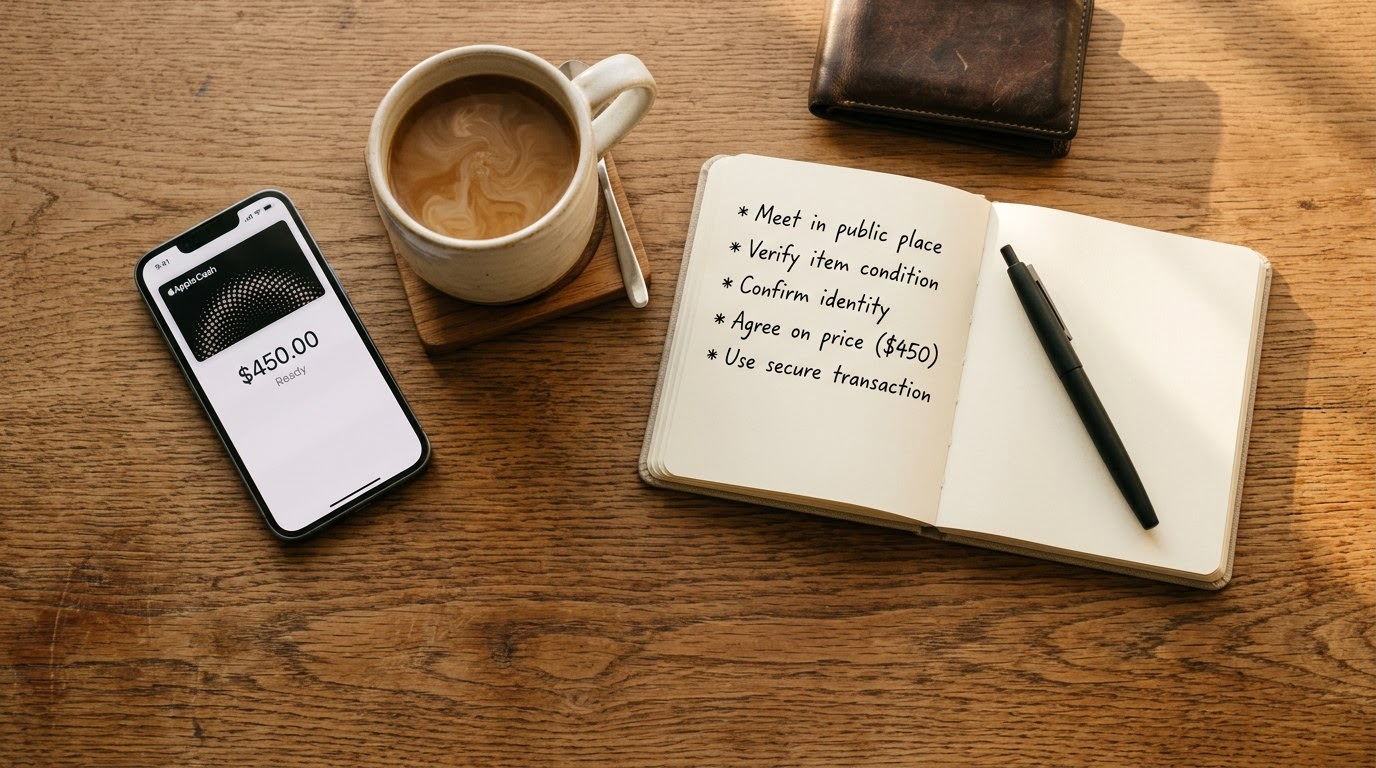
Follow this structured checklist immediately before and during your transaction to maintain full operational control over your money. Executing these steps in strict numerical sequence eliminates common peer-to-peer scam vectors and ensures you never release funds without verifying both the seller and the physical merchandise. Keep this quick checklist active on your mobile screen during your real-world meetup.
- Input the seller's full legal name and mobile phone number into the TrustMatch verification tool to confirm identity authenticity.
- Conduct a 5-minute live video call to visually inspect the item, verify working condition, and record physical serial numbers.
- Confirm the recipient's Apple Cash card is active inside an iMessage thread showing a verified blue text bubble.
- Meet the seller in person at a designated police station e-commerce exchange zone or secure bank lobby during daylight hours.
- Test the item thoroughly, turning on electronic power, testing functions, and matching physical serial numbers to original documentation.
- Execute a $1 micro-payment via Apple Cash inside iMessage and confirm receipt on the seller's device screen.
- Transfer the remaining balance through Apple Cash while remaining in the safe exchange area.
- Verify that your Apple Wallet transaction status displays "Completed" and save a full screenshot of the transaction log.
Executing this checklist systematically transforms an unpredictable private transaction into a secure, predictable exchange. As of October 2026, peer-to-peer payment safety depends heavily on structured pre-transaction protocols. Consistently working through these eight steps safeguards your personal finances while creating a clean, professional transaction environment for both parties.
Red flags during this process
Recognizing immediate threat indicators during a transaction empowers you to halt payment before financial loss occurs. If a seller pressures you to bypass verification steps, demands off-platform payment transfers, or displays erratic behavioral changes, stop the transaction immediately. Pay close attention to these critical red flags during your interaction to avoid sophisticated peer-to-peer payment fraud schemes.
Watch closely for artificial urgency tactics. Fraudulent sellers often claim that multiple buyers are driving up to buy the item right now, urging you to send an immediate Apple Cash deposit to hold the item. Never send advance deposits or reservation fees via Apple Cash to hold an item before completing identity checks and physical inspections.
Be wary of sellers requesting payment switching tricks. If a seller initially agrees to meet in person but suddenly requests that you send Apple Cash to a friend's phone number or a third-party payment handle, abort the deal. Scammers frequently use secondary accounts to obfuscate their digital trace once their primary profile triggers safety warnings.
Beware of fake overpayment schemes. If a seller claims they accidentally sent you money via Apple Cash and asks you to refund the difference, do not send any funds back. Fraudulent accounts use stolen credit cards to push temporary funds that are later clawed back by banks, leaving any "refunded" cash paid out of your personal checking balance. Always wait for your bank to settle disputed deposits directly.
Finally, watch out for fake transaction confirmation screenshots. Scammers often edit wallet graphics or send fake SMS alerts designed to mimic legitimate Apple Wallet notifications. Never accept a screenshot provided by the seller as proof of payment or transfer. Always open your own Apple Wallet app independently to verify that transactions are accurately reflected in your personal transaction ledger.
Executing these structured safety steps protects your financial security while showing genuine respect for a legitimate seller, proving that transparent safety protocols build mutual trust without resorting to intrusive surveillance. Always rely on TrustMatch for rapid identity checks to keep your private purchases secure, safe, and scam-free.
Frequently asked
Is Apple Cash payment reversible if I get scammed by a seller?
Apple Cash payments function like physical cash transfers and are virtually impossible to reverse once completed. Neither Apple nor Green Dot Bank offers buyer protection for peer-to-peer transactions with private sellers. If you authorize a payment to a scammer, your financial institution cannot guarantee recovery of those funds.
How can I verify that an Apple Cash recipient phone number is real?
Open the iMessage app on your iPhone and start a conversation using the seller's phone number. Look for a blue message bubble and the Apple Cash icon in the app drawer. A green bubble indicates an SMS number or non-Apple device that cannot accept direct Apple Cash transfers.
Should I ever use Apple Cash to buy items shipped from another state?
Sending Apple Cash to remote sellers for shipped items carries extreme risk because Apple Cash lacks buyer escrow protection. Unless you verify the seller's identity using TrustMatch and complete a live video inspection, restrict Apple Cash usage strictly to local, in-person exchanges where you inspect merchandise first.
What should I do if a seller demands payment via Apple Cash balance instead of card?
Sellers can accept Apple Cash regardless of whether your payment originates from your Apple Cash balance or an linked debit card. If a seller insists on unusual funding methods or asks for gift card conversions, cancel the transaction immediately, as these demands indicate financial manipulation tactics.
Why do scammers prefer Apple Cash over traditional credit cards?
Scammers favor Apple Cash because payments clear instantly and lack the formal chargeback mechanics associated with credit card issuers. FTC data published in 2024 revealed that peer-to-peer payment app fraud accounted for hundreds of millions in non-recoverable consumer losses, making instant push payments highly attractive to fraudulent sellers.